31
11.0 INSTALLING AND USING THE ZX-20 APP
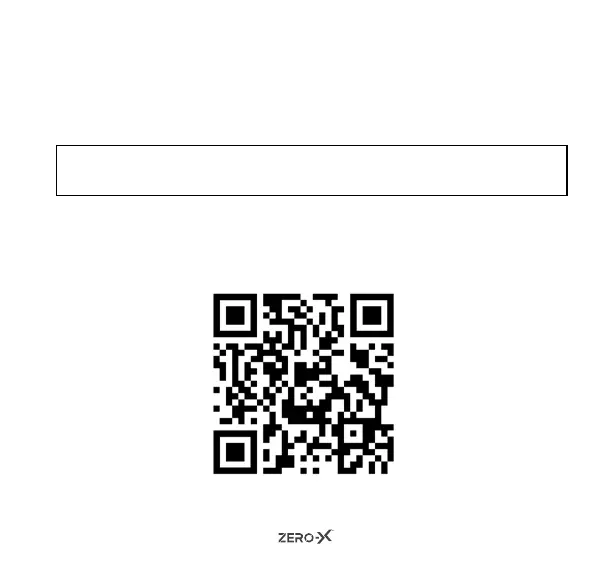
Please scan the below QR code.
OR
Please search the App store or Google Play Store for ‘ZX-20’.
NOTE: The ZX-20 App requires iOS 10.0 and above or Android 5.0 device
to run.
12.0 MANUAL STEPS FOR CONNECTING TO THE ZX-20 APP
Turn on your phone and scan the QR code or search the App store for
ZX-20 and download the App.



 To Next Page