Messages:
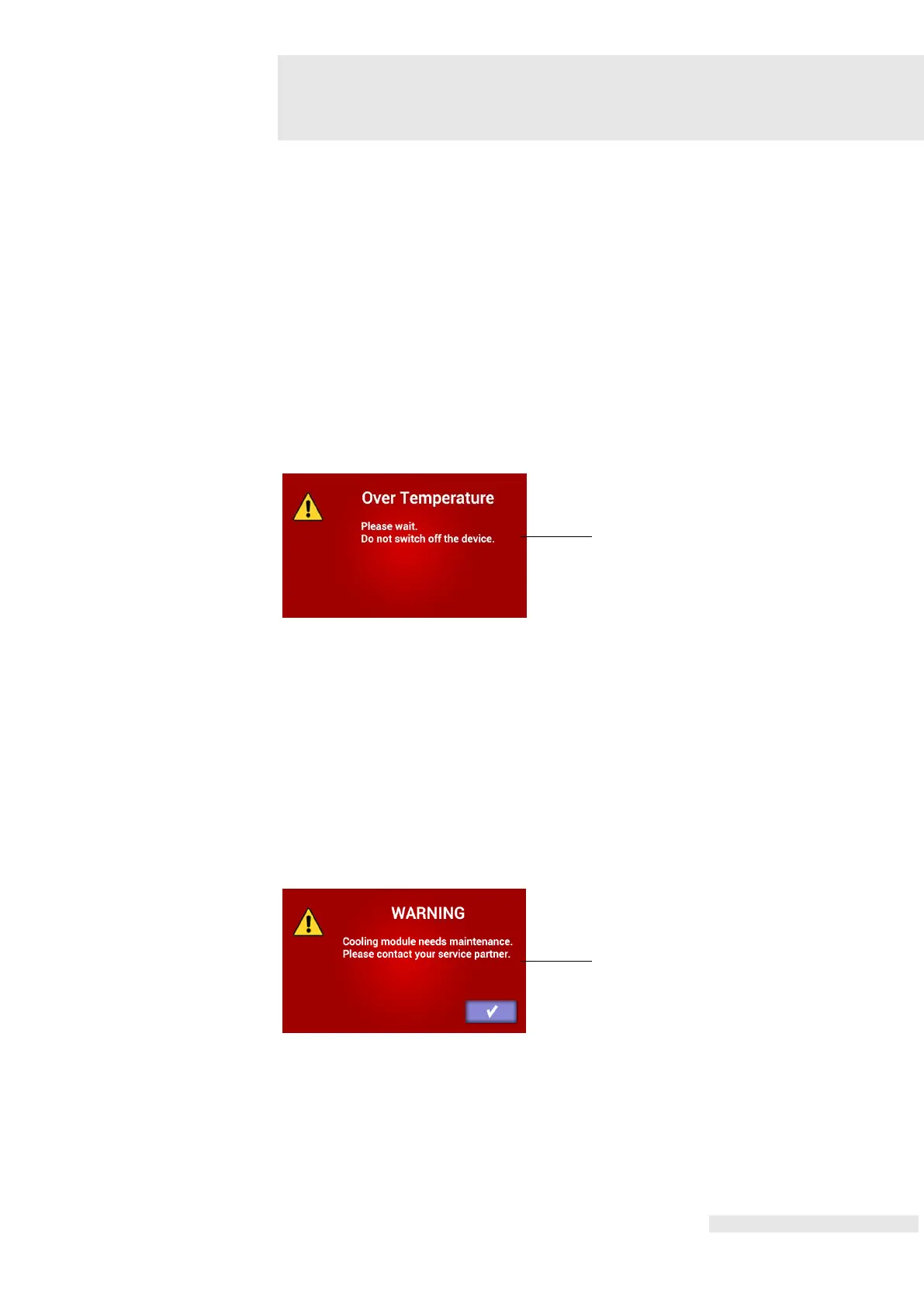
Over Temperature
The emFieldPro is an equipment that generates a magnetic field by applying a high
current to a transducer. As heat is generated from the transducer using the high
current used to create the magnetic field, cooling is performed by circulating the
cooling oil inside the emFieldPro transducer. If the transducer is used in a tilted
position, the cooling oil will not reach all sections of the transducer, and injury or
stoppage of operation can occur. Because of this, it is recommended to place the
transducer in a horizontal position. When transducer is overheated, the operation is
temporarily suspended and the “Over Temperature” message as shown in figure 25
is displayed. When this message is displayed, put the transducer away from the
patient for a while (Do not turn off the equipment) until the message disappears and
the equipment returns to a normal state.
Cooling module lifetime
The emFieldPro uses an oil pump for cooling. This component is a consumable
component, with 5000 hours of warranty. After 5000 hours ‘cooling Module’ message as
shown in the figure 26 is displayed. This is not a failure, but a notification of maintenance.
Touch the panel and the device will be back to normal state.
Replacing the component to prevent unexpected failures.















 To Next Page