32
TURNING ON
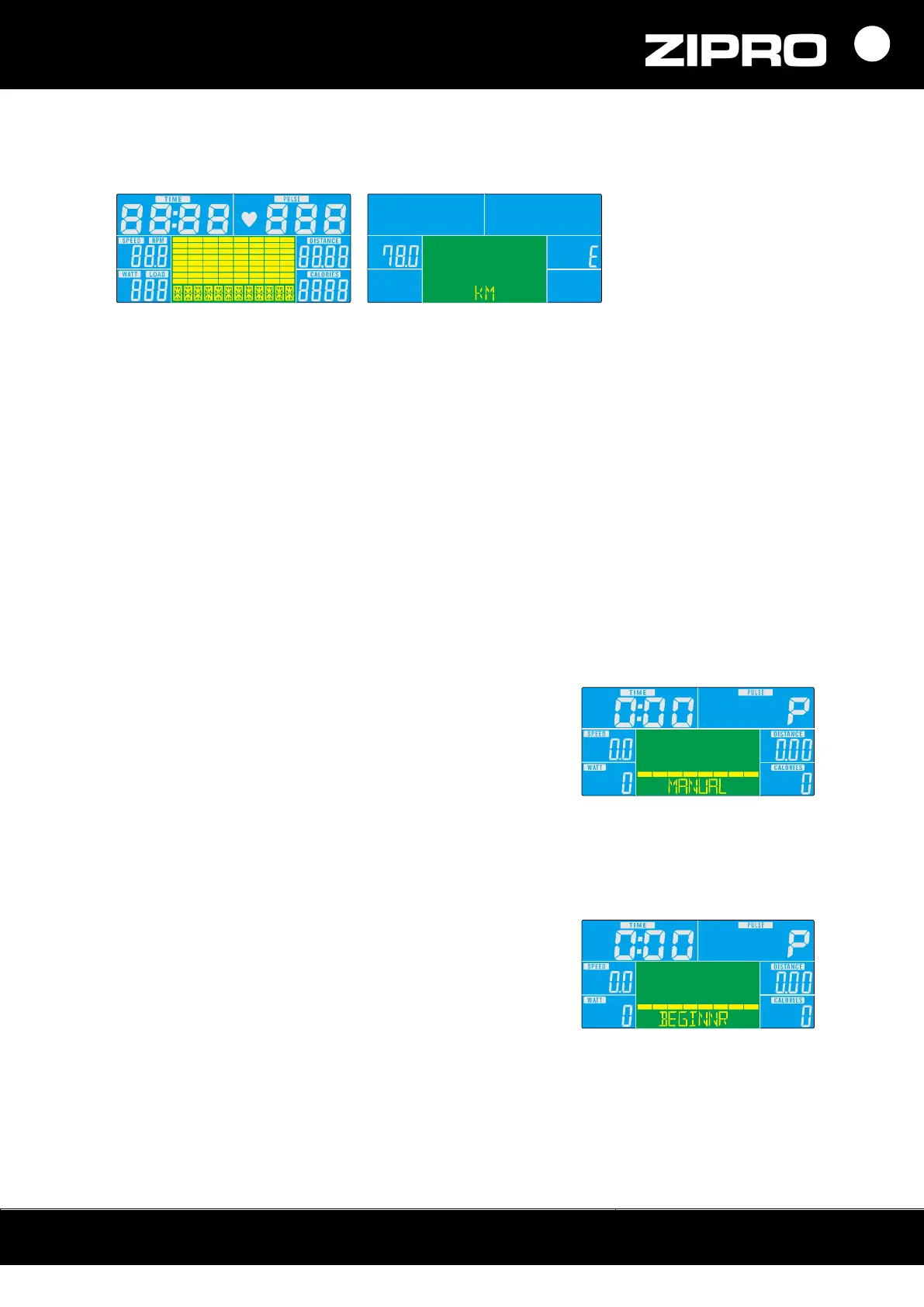
The computer turns on after power is connected. It will display all elements on the screen within
two seconds. After four minutes of inactivity, it switches to the energy saving mode.
SETTING COUNTDOWN VALUES
In the manual mode, select the parameter you want to base your training on: time,
distance, calories.
The countdown values are set with the UP and DOWN buttons.
The countdown starts when you press the START button.
COUNTDOWN PARAMETERS
TIME: The time can be set from 5 to 99 minutes (one-minute steps).
CALORIES: The calories value can be set from 20 to 990 kcal (ten-kcal steps).
DISTANCE: The distance value can be set from 1.0 to 99.9 km (0.1 km steps).
TRAINING SELECTION
You can choose the programme using the UP and DOWN buttons.
MANUAL PROGRAMME
1. Select the programme with the UP or DOWN button.
Select Manual and press MODE to start the training.
2. Set the time, distance, calories, or heart rate with the UP
or DOWN button. Confirm your selection with MODE.
3. Start the training by pressing the START/STOP button.
To set training intensity, use the UP or DOWN button.
4. Stop the training by pressing the START/STOP button.
To return to the main menu, press RESET.
BEGINNER PROGRAMME
1. Select the programme with UP or DOWN. Select
Beginner and press MODE to start the training.
2. Set the duration with the UP or DOWN button.
3. Start the training by pressing the START/STOP button.
To set training intensity, use the UP or DOWN button.
4. Stop the training by pressing the START/STOP button.
To return to the main menu, press RESET.



 To Next Page