Annex A. PROCOME 3.0 Communications Protocol
M7IRDA2003I
7IRD-A/J/M: Distribution Protection & Control Terminal
© ZIV APLICACIONES Y TECNOLOGÍA, S.L.U. 2020
A-6
A.3.2 Settings
Logic Settings
From the Change Settings menu, select the option
Logic to view the screen for selecting tables.
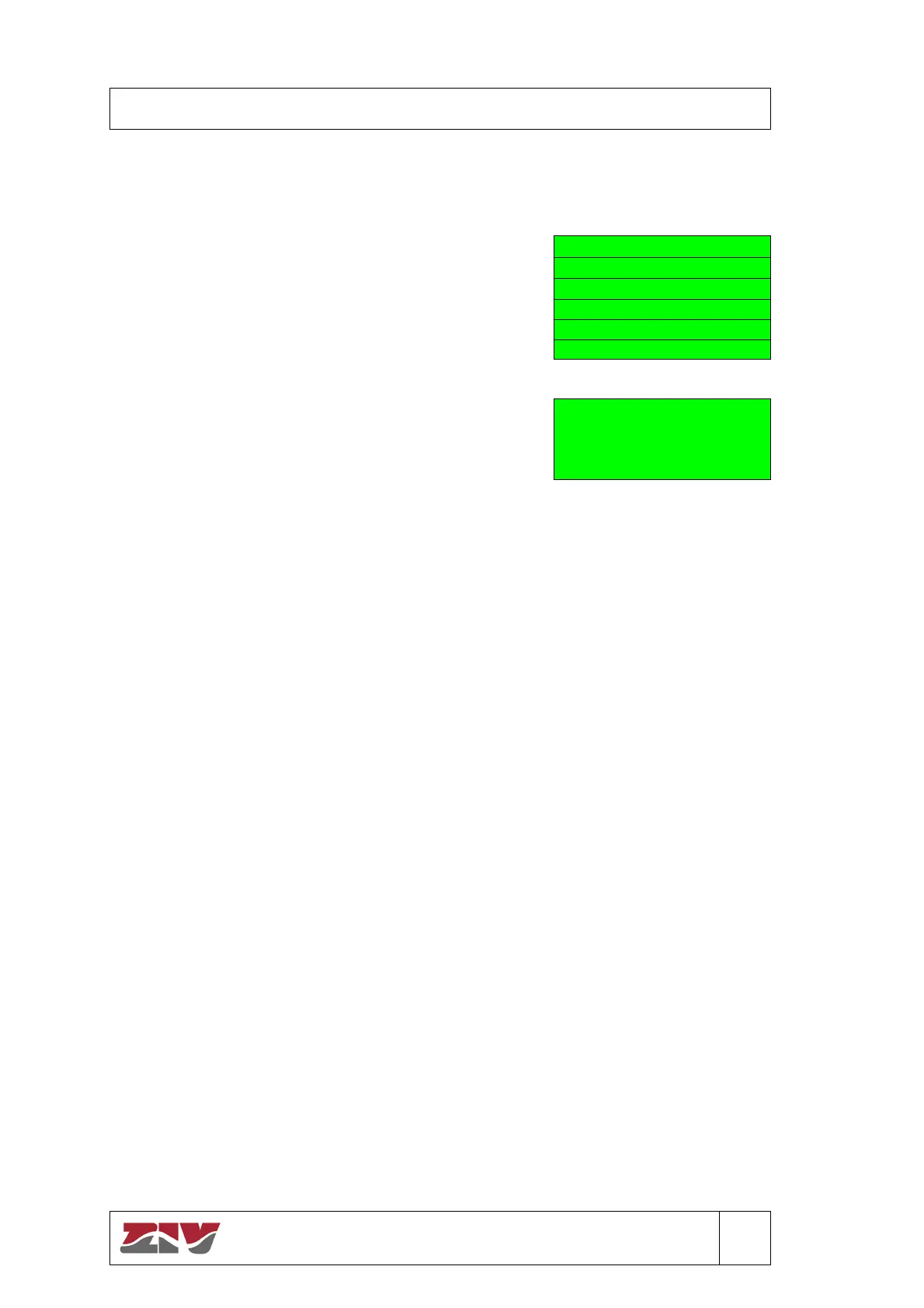
0 - TRIP SEAL-IN ENABLE
1 - OPEN FAILURE TIMER
2 - CLS FAILURE TIMER
3 - RECL MNCL ENABLE
4 - COORD TIMER
5 - PICKUP REPORT
Pickup Report
The construction of the Fault Report commences when
a pickup occurs and ends when the units are reset. An
annotation is made in the Fault Report file when there
has been a trip in the course of the fault. When this
setting takes the value YES, annotations will be made in
the report whether there is a trip not.
PICKUP REPORT
ACTUAL: YES
NEW:
( 1 [ YES ] 0 [ NO ] )
A.3.3 Accessing the Information
The variations in the settings menus described in the preceding sections are reflected in the
information menus, with the same layout shown. Note that the Information menu only allows
viewing the established settings and does not allow modifying them.


 To Next Page