Chapter 8. Alphanumeric Keypad and Display
8-3
M7IRDA2003I
7IRD-A/J/M: Distribution Protection & Control Terminal
© ZIV APLICACIONES Y TECNOLOGÍA, S.L.U. 2020
8.2 Keys, Functions and Operation Modes
The available keypad keys and Alphanumeric Display keys and their functions are described on
the following pages.
Keypad
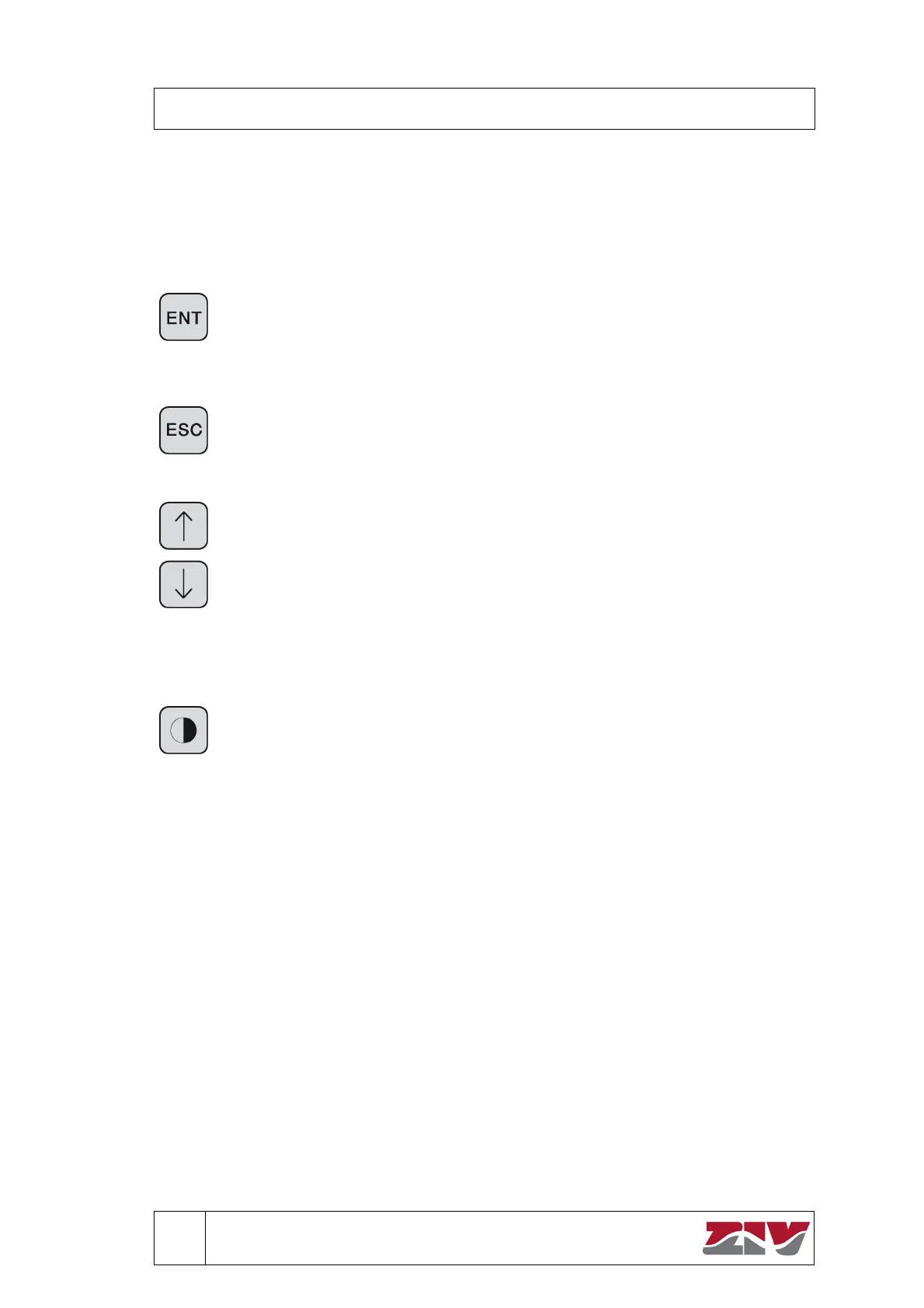
Confirmation Key
The ENT key is used to confirm an action: after a selection has been made, after
editing an adjustment or to move forward the list of records. After finishing an
operation (selection, change settings, information, etc.) press ENT again to return
to the previous screen.
Escape Key
The key ESC is used to exit a screen if the user does not wish to make a
modification to the setting or if you merely looked at a screen for information. In
either case pressin
this s
stem ke
returns the user to the previous screen.
Display Selection Keys
The selection keys advance or go backwards, to one of the existing options within
a menu or submenu. When there are more than four options within a menu, in the
lower right hand corner of the display appears an arrow () indicating the other
options. These options can be reached by using the key, which allows the
display of the other options. Appearing then in the upper right hand corner of the
display, is an arrow () that indicates the existence of the first options.
The key is also used to erase numbers within a setting when making
modifications. This function is onl
needed when chan
in
a settin
.
Key to return to the Default Screen
Pressing this key from any menu or submenu returns the system directly to the
default screen.


 To Next Page