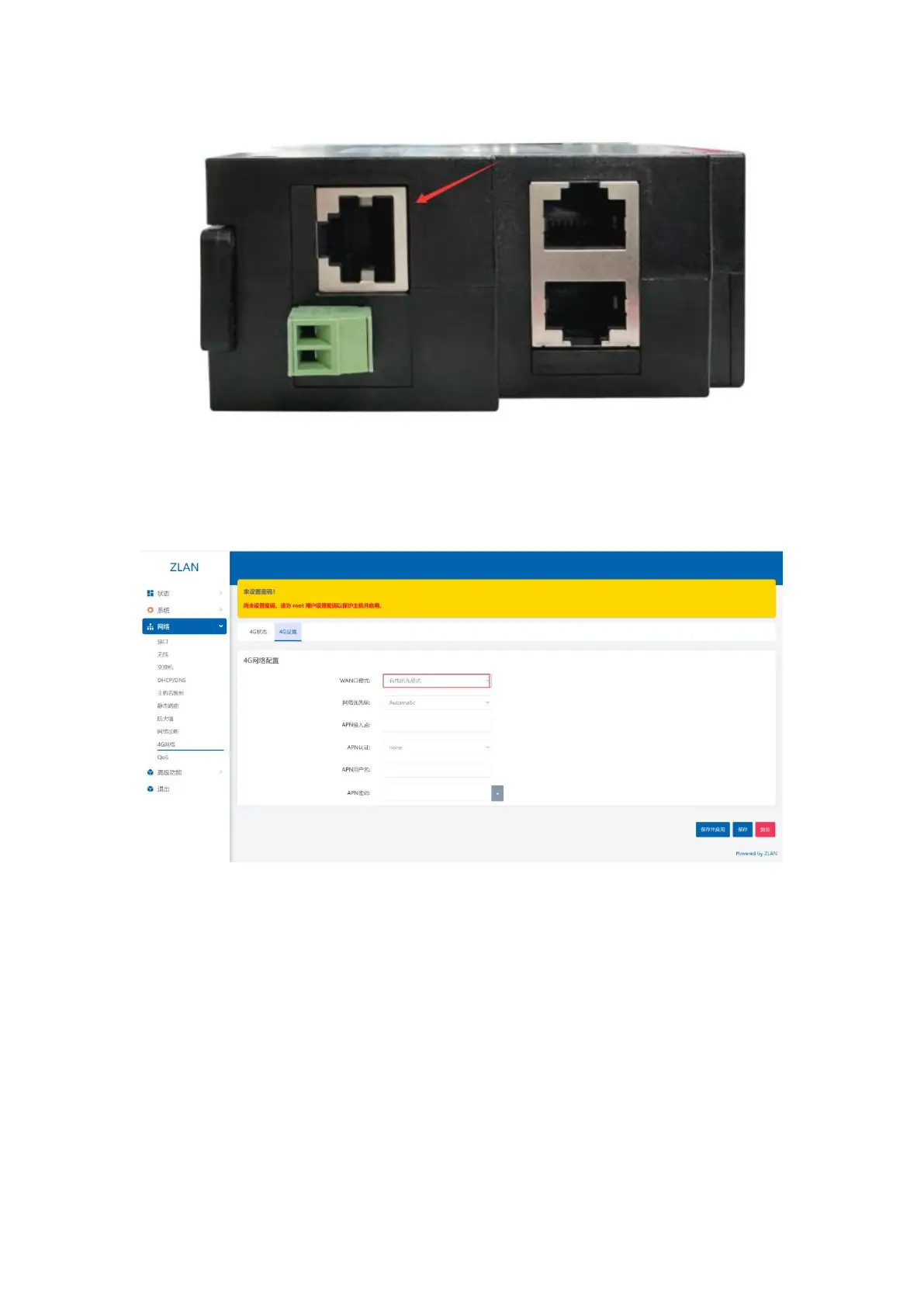
Figure 22 WAN port diagram
Step 2: Click the menu bar on the left: Network -> 4G Network -> 4G Settings: Set the WAN port mode to wired_mode: (If
it is already wired, you don’t need to perform this step) and click Save and Set in the lower right corner.
Figure 23 Wired priority mode
After the settings are completed, wait for 10 seconds to complete the configuration. At this time, the router can access the external network through the
WAN port cable, and your device can access the Internet after connecting to the router via wired or WiFi.
14


 To Next Page