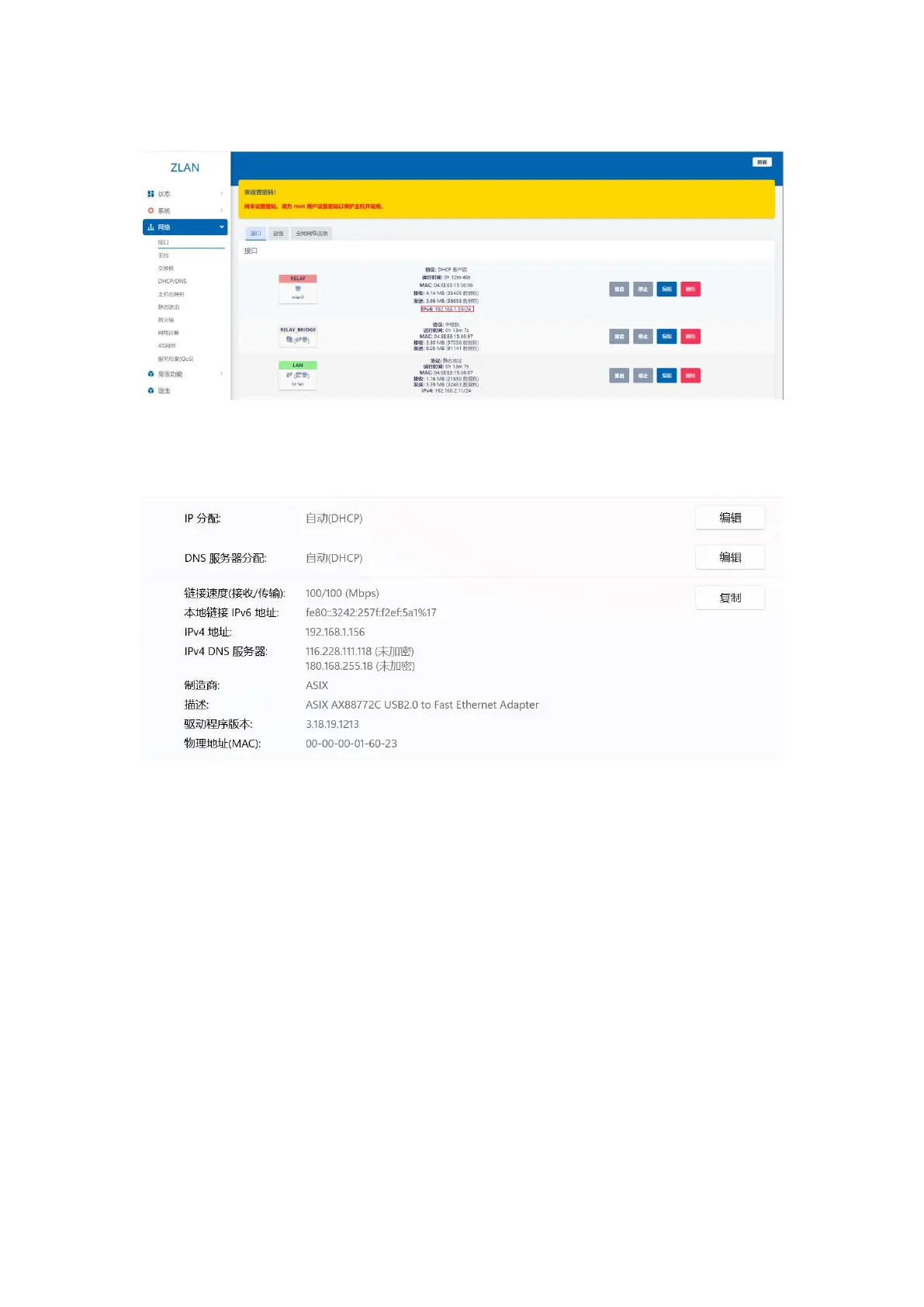
Check whether the relay interface has an IP. If there is an IP, it means the relay has been successful.
Figure 20 Relay interface
After the settings are completed, wait for 10 seconds to complete the configuration. At this time, the router can be bridged to the upper-level AP via WIFI, and the network
device can obtain the network segment assigned by the upper-level AP by plugging the network cable into the LAN port.
Figure 21 DHCP obtains parameters
3.2.3.
Wired Mode
Wired mode means that the router is connected to the external network through the WAN port.
Step 1: Connect the network cable to the WAN port of the router:
13


 To Next Page