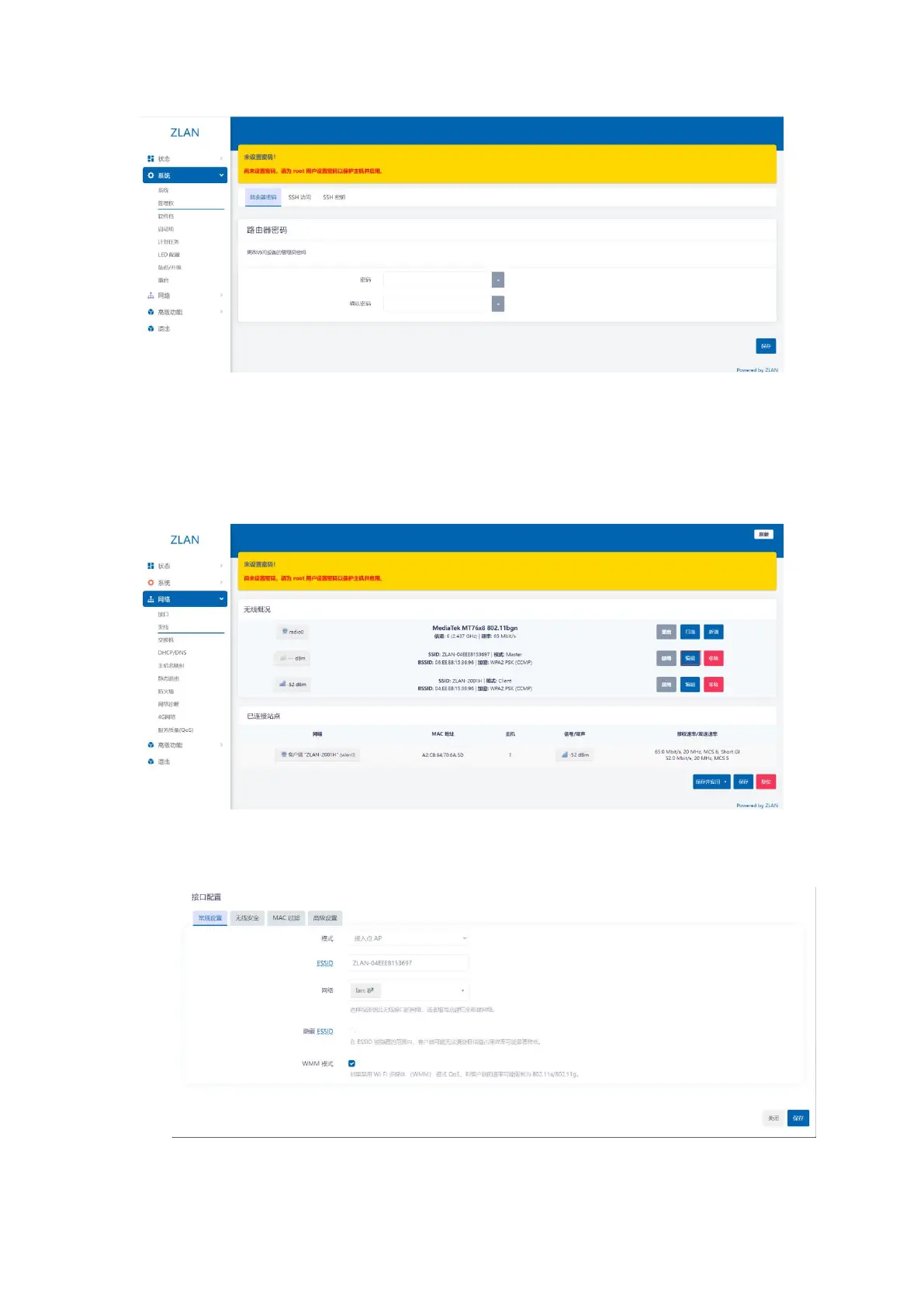
Figure 25 Change login password
4.2.Set up the deviceWiFiParameters
In the left menu bar, click Network -> Wireless, select the WiFi you want to edit, and click the Edit button:
Figure 26 Wi-Fi parameters
In the page that opens, ESSID is the WiFi name, which can be modified here:
Figure 27 Modify the wifi name
16


 To Next Page