1.3
Panel Light Introduction
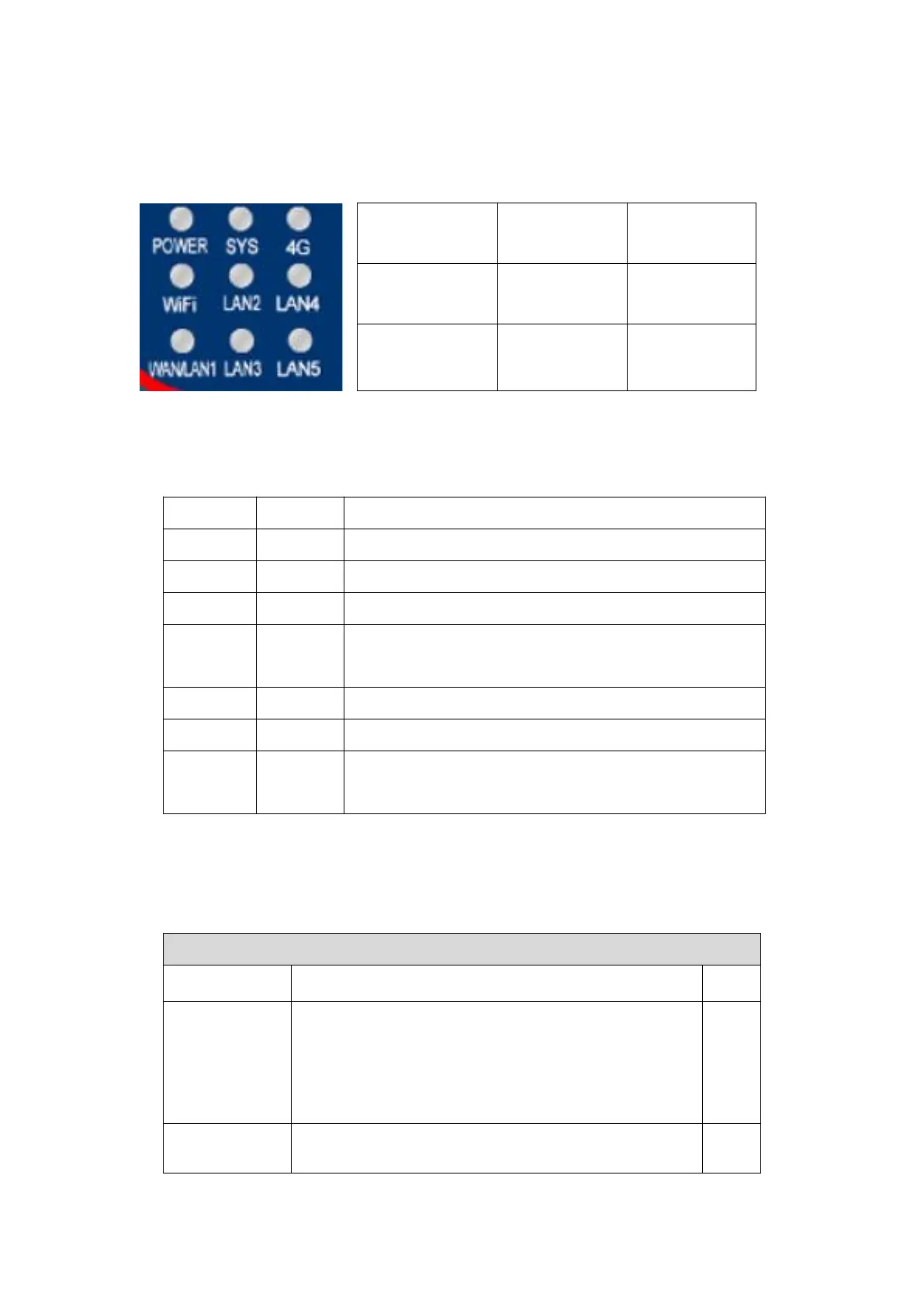
The panel lights of 9809M are shown in the figure:
POWER SYS 4G
WIFI LAN2 LAN4
WAN/LAN1 LAN3 LAN5
picture3Panel Light
The specific meanings of the indicator lights are shown in the figure below:
name color illustrate
WAN/LAN1 green WAN port indicator light, on means the WAN port is connected
WIFI green WiFi indicator light, on/flashing means WiFi is working properly
POWER red Power indicator light, the device will light up when powered on
LAN green The four LAN port indicator lights correspond to the four LAN ports. If they are on, it means the corresponding LAN port is on.
connected
SYS Light green 4G power-on indicator light, when on, it means the 4G module is powered on
4G Light blue The light is always on when dialing is in progress, and flashing when dialing is successful.
reset button Button After the device is started: press for 1 second and release, the device will restart after 5 seconds; press
Release it within 5 seconds, the device will restart after 5 seconds and reset to factory settings
surface1Indicator light parameters
2.Technical Parameters
Main parameters of the product
parameter name parameter Remark
Support Mode 4G CAT1support3Modes:
B1/B3/B5/B8@FDD LTE
B34/B38/B39/B40/B41@TDD-LTE
B3/B8@GSM
Including Unicom4G,2G,move4G,2Gand telecommunications4Gnetwork.
Transmission rate LTE:Max 10Mbps(Downward)/Max 5 Mbps(Up)
GPRS:85.6Kbps(Downward)/Max85.6Kbps(Up)
3


 To Next Page