8
“Low” mode cannot be started or stopped in the following condi ons:
• if the electrolyser is stopped,
• if the electrolyser is connected to an automa on system but is not connected to a roll-on shu er (“Low” mode
is then driven from the automa on system user interface).
3.2 Settings
3.2.1 Clock Menu
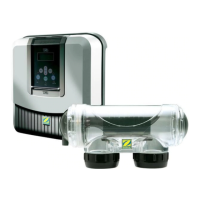
The electrolyser is fi ed with an internal memory. When the appliance is fi rst switched on it is important to leave
it powered on con nuously for at least 24 hours in order to ini ally charge the accumulator (permanent separate
power supply or fi ltering on permanently). Once loaded the accumulator has several weeks of autonomy in the
event of a power failure.
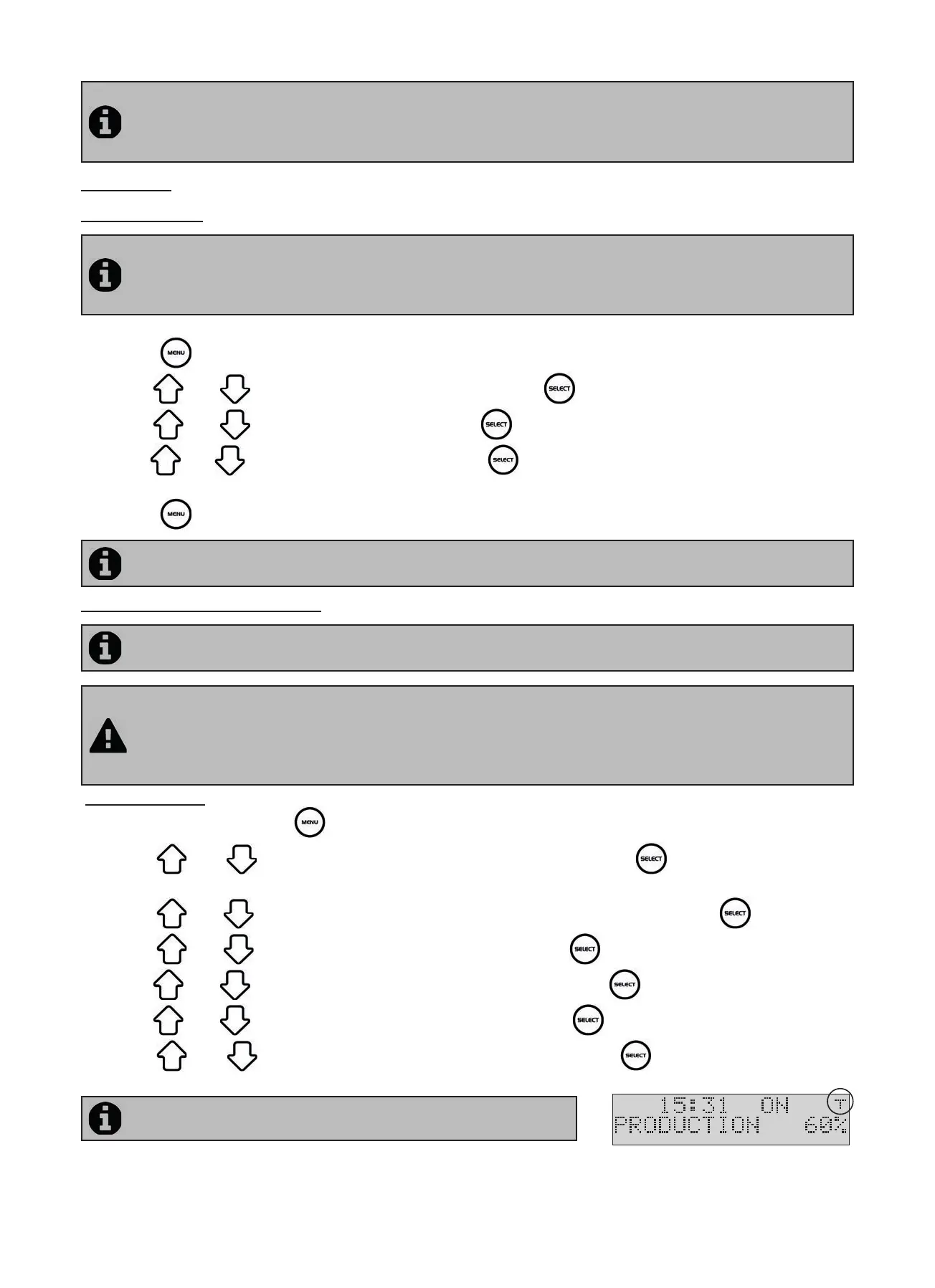
• Power on the electrolyser and wait for the screen start-up sequence to complete.
• Press the bu on to access the main menu.
• Use the and bu ons to reach the “CLOCK” line and press to validate.
• Use the and bu ons to set the hour, then press to memorise.
• Use the and bu ons to set the minutes, then press to memorise. The electrolyser will then automa cally
return to the main menu.
• Press the bu on to return to the home screen.
The me is displayed in a 24 hour format.
3.2.2 Programming Menu (Timers)
The electrolyser has two programmers to control chlorine produc on mes. These are called “Timers or
“Opera ng me intervals”.
“Timer” programming is used to de ne the electrolyser opera ng mes within the ltering system opera on
mes. The daily opera ng mes must be suffi cient to correctly treat the water.
A reminder of the calcula on rule: the ideal daily ltering me is obtained by dividing the required pool water
temperature (measured in °C) by 2.
Example: for water at 28°C - 28/2 - 14 hours per day
Crea ng a “Timer”:
• On the home screen press the
bu on.
• Use the
and bu ons to reach the “PROGRAMMING” line, then press to display the programming
se ngs menu.
• Use the
and bu ons to select the mer to set (“TIMER 1” or “TIMER 2”), then press .
• Use the
and bu ons to set the star ng me hour, then press to memorise.
• Use the
and bu ons to set the star ng me minutes, then press to memorise.
• Use the
and bu ons to set the stopping me hour, then press to memorise.
• Use the
and bu ons to set the stopping me minutes, then press to memorise. The electrolyser
returns to the “PROGRAMMING” menu automa cally.
The “T” symbol is displayed in the upper right hand corner of the LCD
display on the home screen if the programming is valid.





 To Next Page