• Static IP Address
This is the IP address that is given to you by your service provider when you
sign up for a Static IP address. This address identifies your 3G Wireless-N
Router when seen from the Internet.
• Static Subnet Mask
This is the router's subnet mask. Your service provider supplies this address,
• Static Gateway
This is the IP address of the ISP server. Your service provider supplies this
address.
• Static Primary DNS
This is the Domain Name System (DNS) server's IP address. Your service
provider supplies this address.
• Static Secondary DNS
This is the IP address of an alternate Domain Name System (DNS) server.
Your service provider supplies this address.
Go to
Step 4. Wireless Settings on page 20.
Configuring the Dynamic IP Address
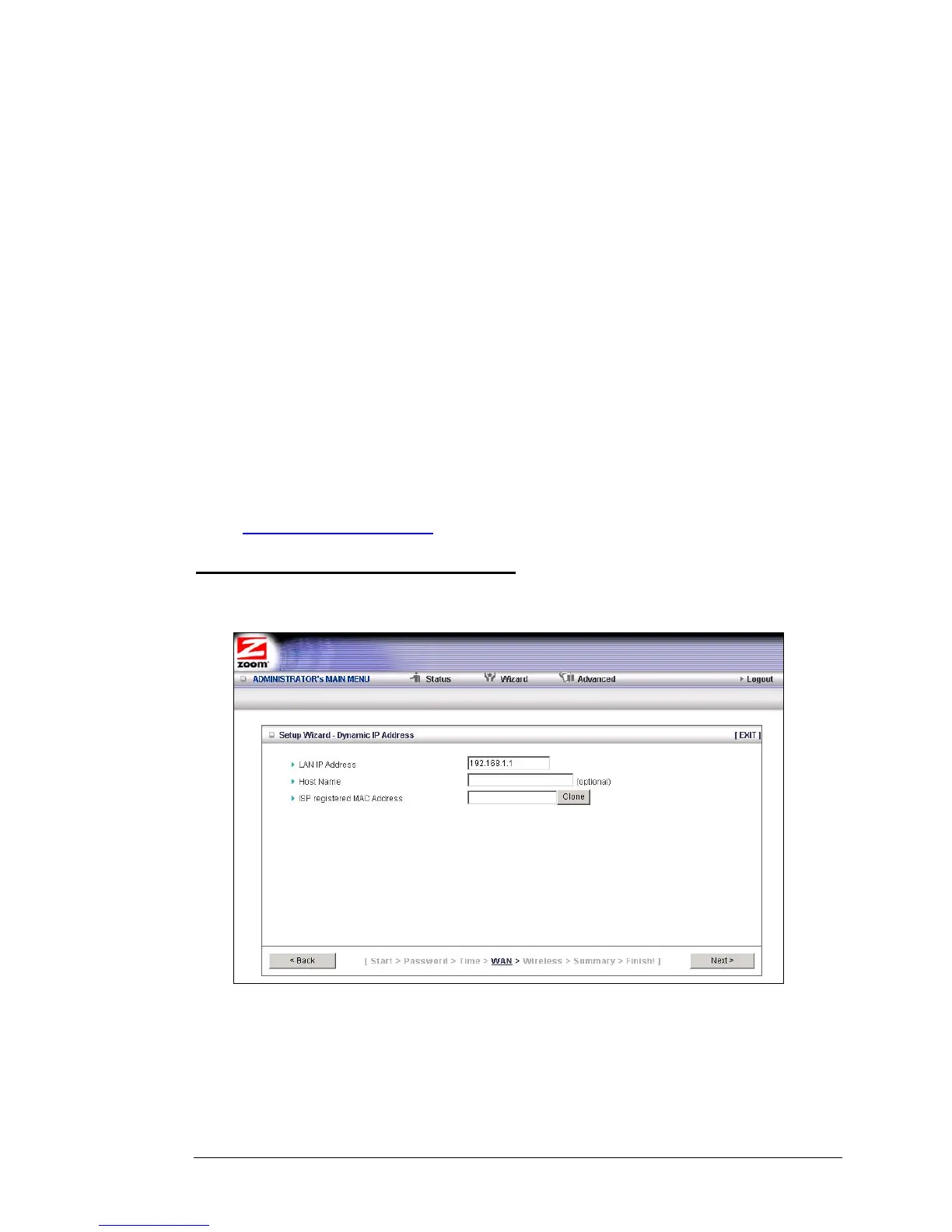
If your service provider uses Dynamic IP addressing, select the Dynamic IP Address
button on the Select WAN Type menu. The following page opens:
• LAN IP Address
This is the LAN IP Address of your router. Devices behind the router use this
address as their default gateway. Most users will not need to change this
address.
Chapter 3: Using the Configuration Manager's Setup Wizard 15



 To Next Page