Changing patch memory names
1.
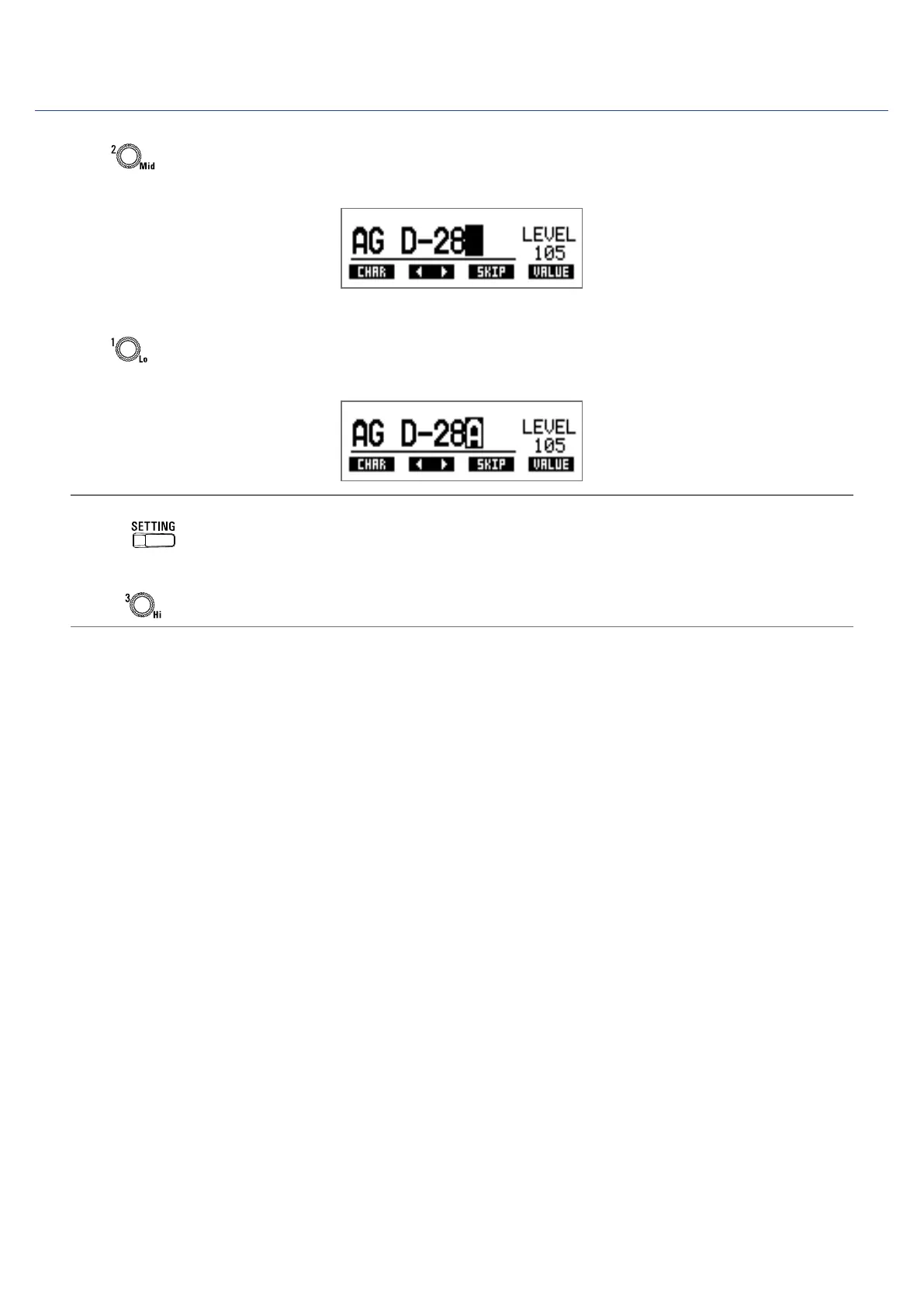
Turn .
This moves the cursor.
2.
Turn .
This changes the character at the cursor position.
HINT
• Press
to end patch memory setting and return to the original screen.
• The characters and symbols that can be used are as follows.
A–Z, a–z, 0–9, ! # $ % & ' () +, -. ; = @ [] ^ _ ` { } ~ (space)
• Turn
to change the character type.
17



 To Next Page