Changing tuner settings
1.
Press when the Tuner Screen is open.
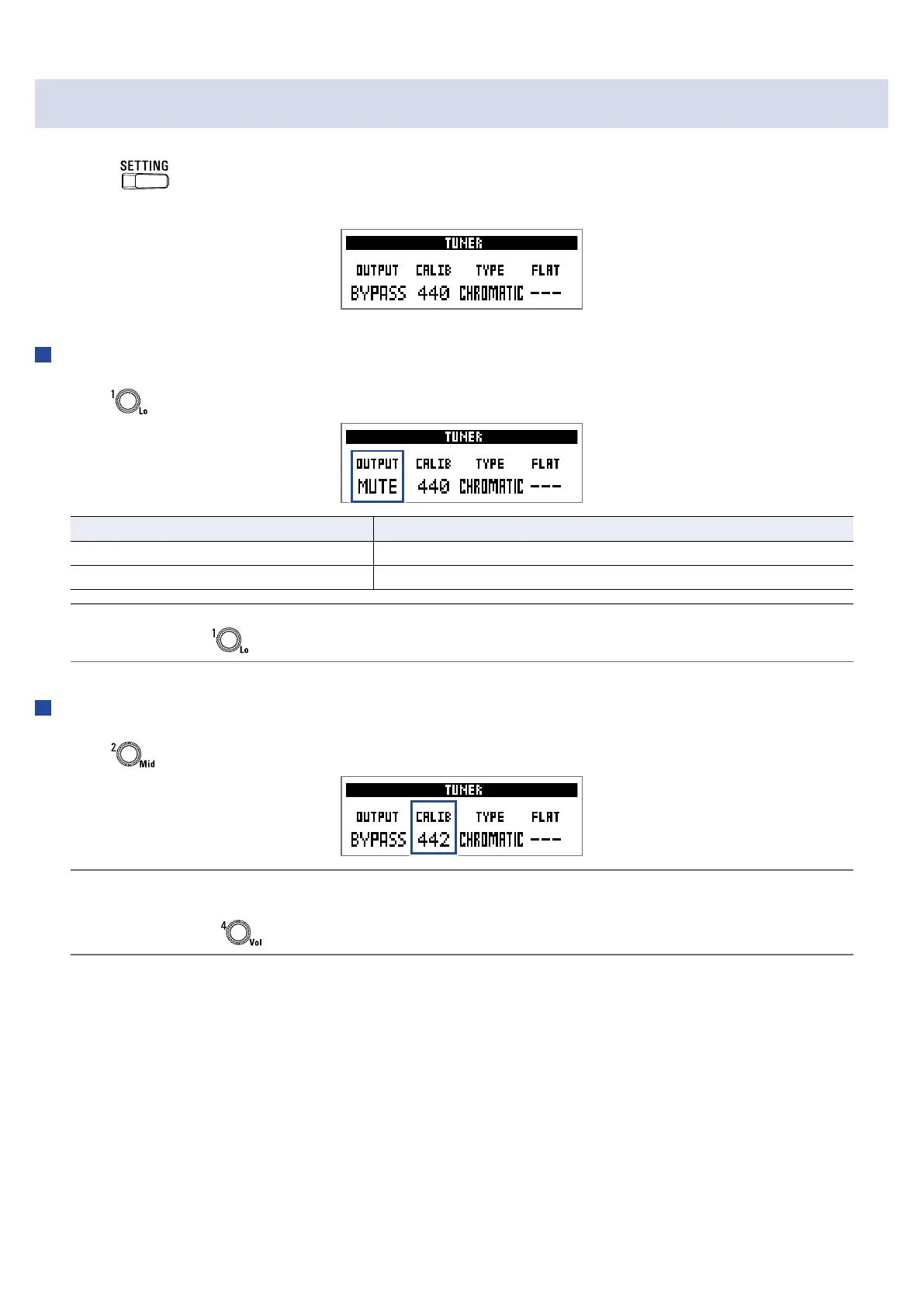
This opens the TUNER settings screen.
Setting the output method
1.
Turn .
Setting Explanation
BYPASS Effects are bypassed and the instrument sound is output.
MUTE The instrument sound is not output.
HINT
You can also turn on the Tuner Screen to change this setting.
Adjusting the standard pitch
1.
Turn .
HINT
• This sets middle A between 435 and 445 Hz.
• You can also turn on the Tuner Screen to change this setting.
43



 To Next Page