Turning effects ON/OFF with footswitches
(STOMP mode)
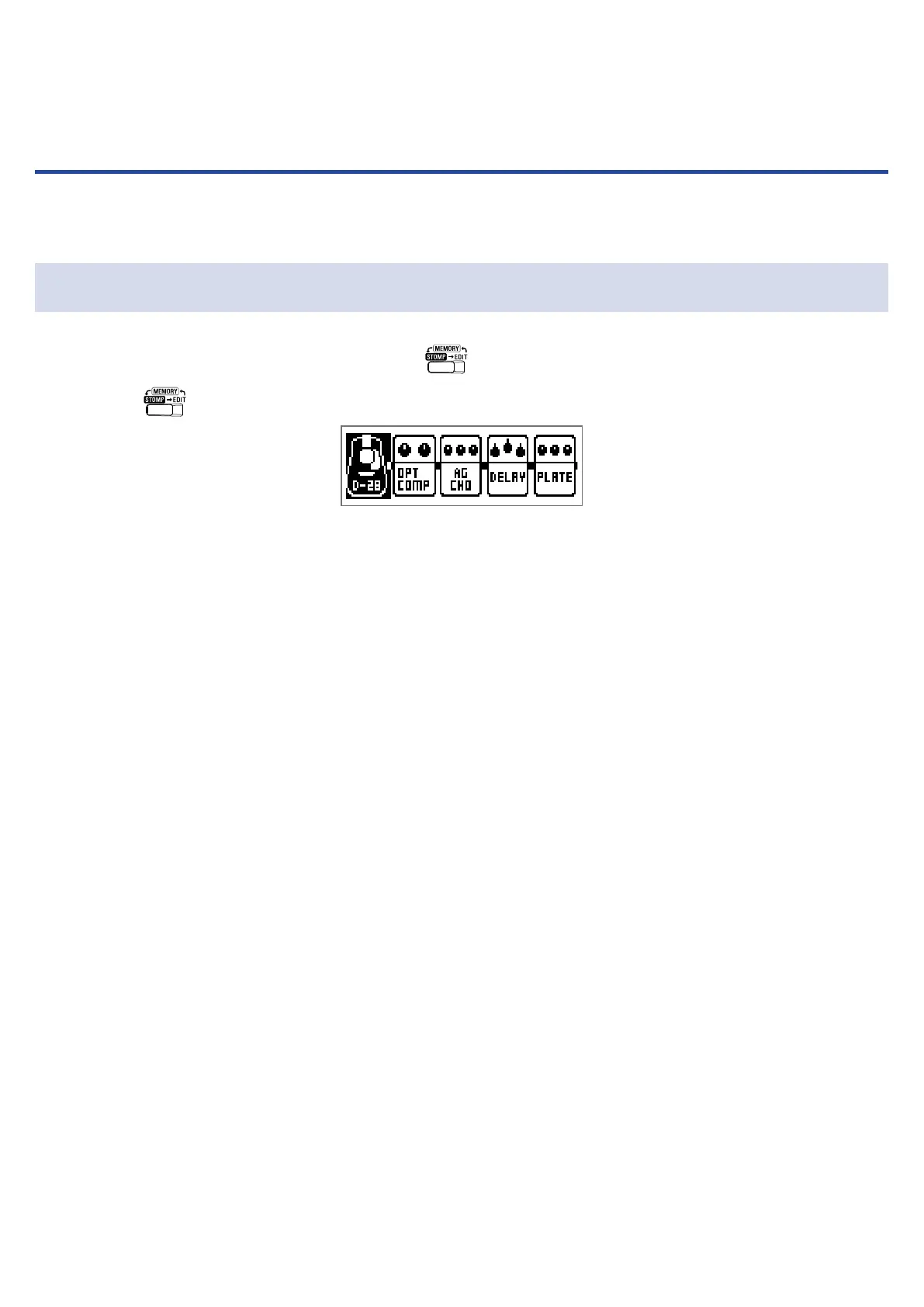
In STOMP mode, you can turn effects ON/OFF with footswitches.
Activating STOMP mode
1.
When using MEMORY or EDIT mode, press .
Pressing
repeatedly, cycles through the MEMORY, STOMP and EDIT modes in order.
18



 To Next Page