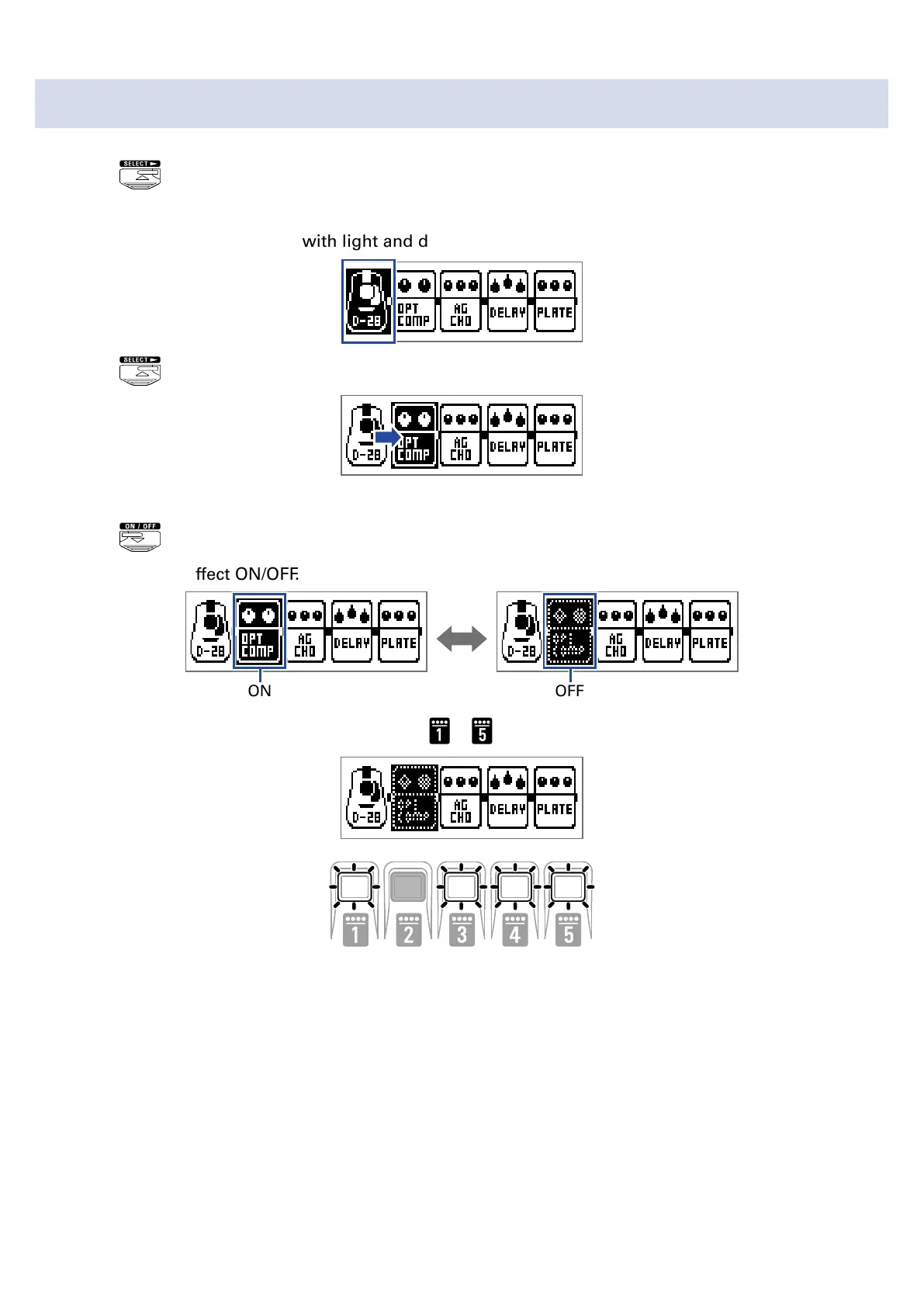
Turning effects ON/OFF with footswitches
1.
Press .
Select the effect to control.
The selected effect is shown with light and dark inverted.
Press repeatedly to move the selection to the right.
2.
Press .
This turns the effect ON/OFF.
ON
OFF
To turn an effect ON/OFF by hand, press the – button that corresponds to the effect position.
19



 To Next Page