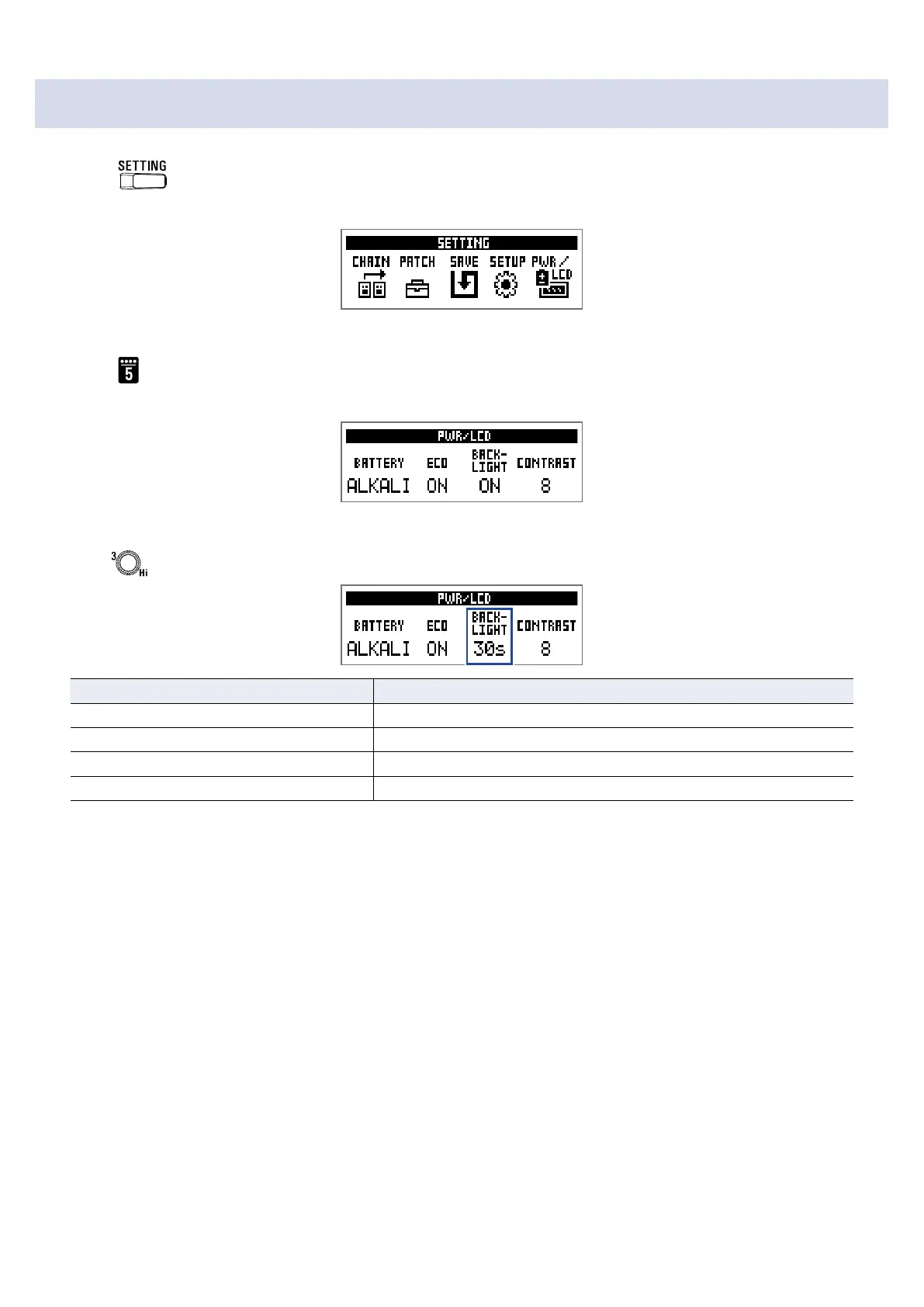
Setting the backlight time
1.
Press .
This opens the SETTING screen.
2.
Press .
This opens the PWR/LCD screen.
3.
Turn .
Setting Explanation
OFF The backlight stays off.
ON The backlight stays on.
15s The backlight turns off 15 seconds after the last operation.
30s The backlight turns off 30 seconds after the last operation.
39



 To Next Page