24 25
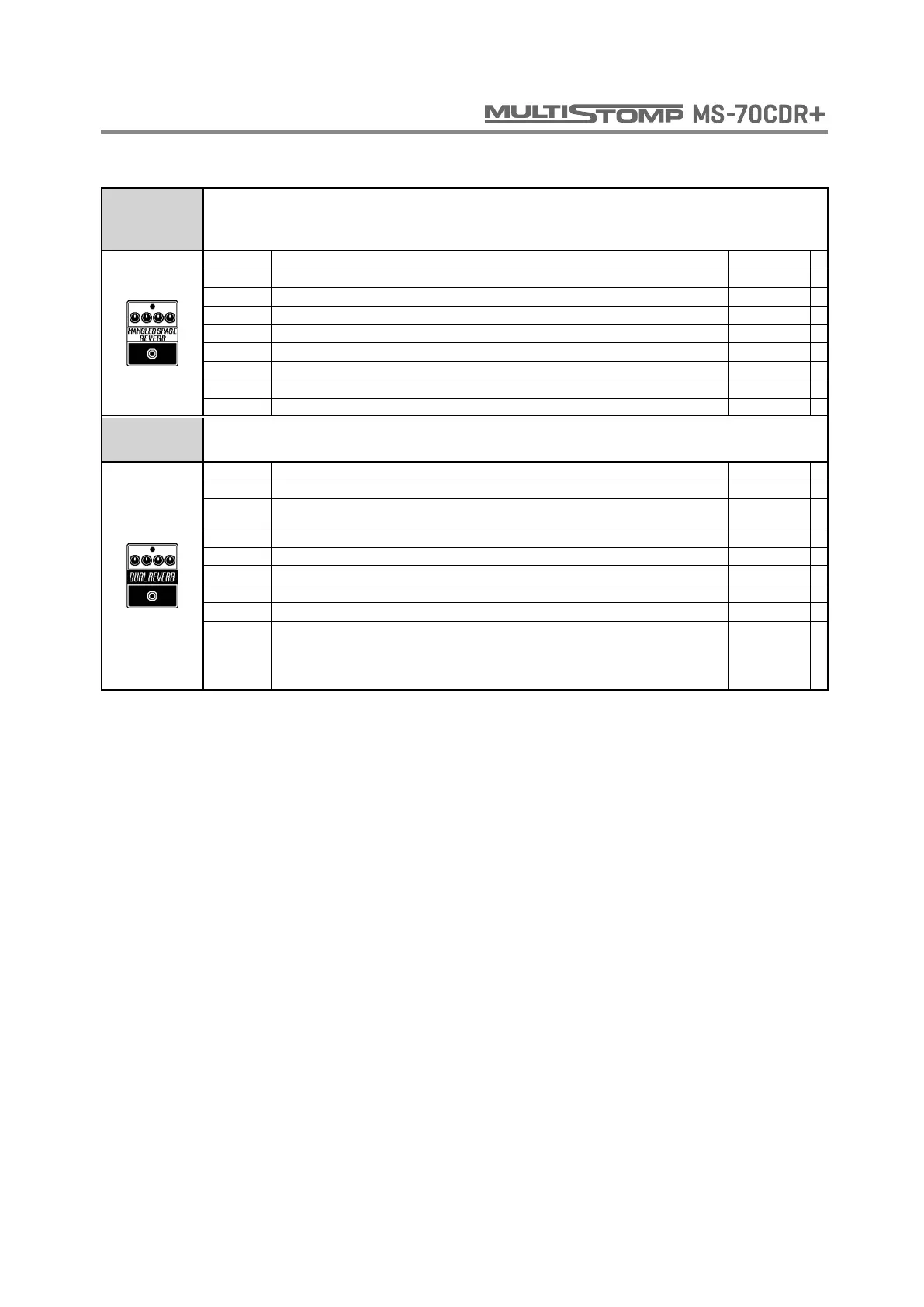
MANGLED
SPACE
REVERB
This reverb has wild echoes like the Eventide Space MangledVerb.
PRE DLY Adjusts the delay between input of the original sound and start of the reverb sound. 0 - 500
DECAY Sets the duration of the reverberations. 0 - 100
SIZE Adjusts the size of the reverb space. 0 - 100
MIX Adjusts the amount of effected sound that is mixed with the original sound. 0 - 100
CLIP Adjusts the amount of distortion. 0 - 100
DEPTH Sets the depth of the modulation. 0 - 100
LO Adjusts volume of low frequencies. -100 - 100
HI Adjusts volume of high frequencies. -100 - 100
VOL Adjusts the volume. 0 - 200
DUAL
REVERB
This effect can combine two reverbs like the Eventide Space DualVerb.
PRE DLY A Sets the pre-delay time of Reverb A. 0 - 750
PRE DLY B Sets the pre-delay time of Reverb B. 0 - 750
A-B MIX Adjust the mix of the Reverb A and B effect sounds.
A9B0 -
A0B9
MIX Adjusts the amount of effected sound that is mixed with the original sound. 0 - 100
DECAY A Sets the reverberation length for Reverb A. 0 - 100
DECAY B Sets the reverberation length for Reverb B. 0 - 100
TONE A Adjusts the tone of Reverb A. -100 - 100
TONE B Adjusts the tone of Reverb B. -100 - 100
SIZE Adjusts the size of the reverb.
A1B1
~
A9B1
~
A9B9
~
A1B9
~
A1B1
REVERB



 To Next Page