24 25
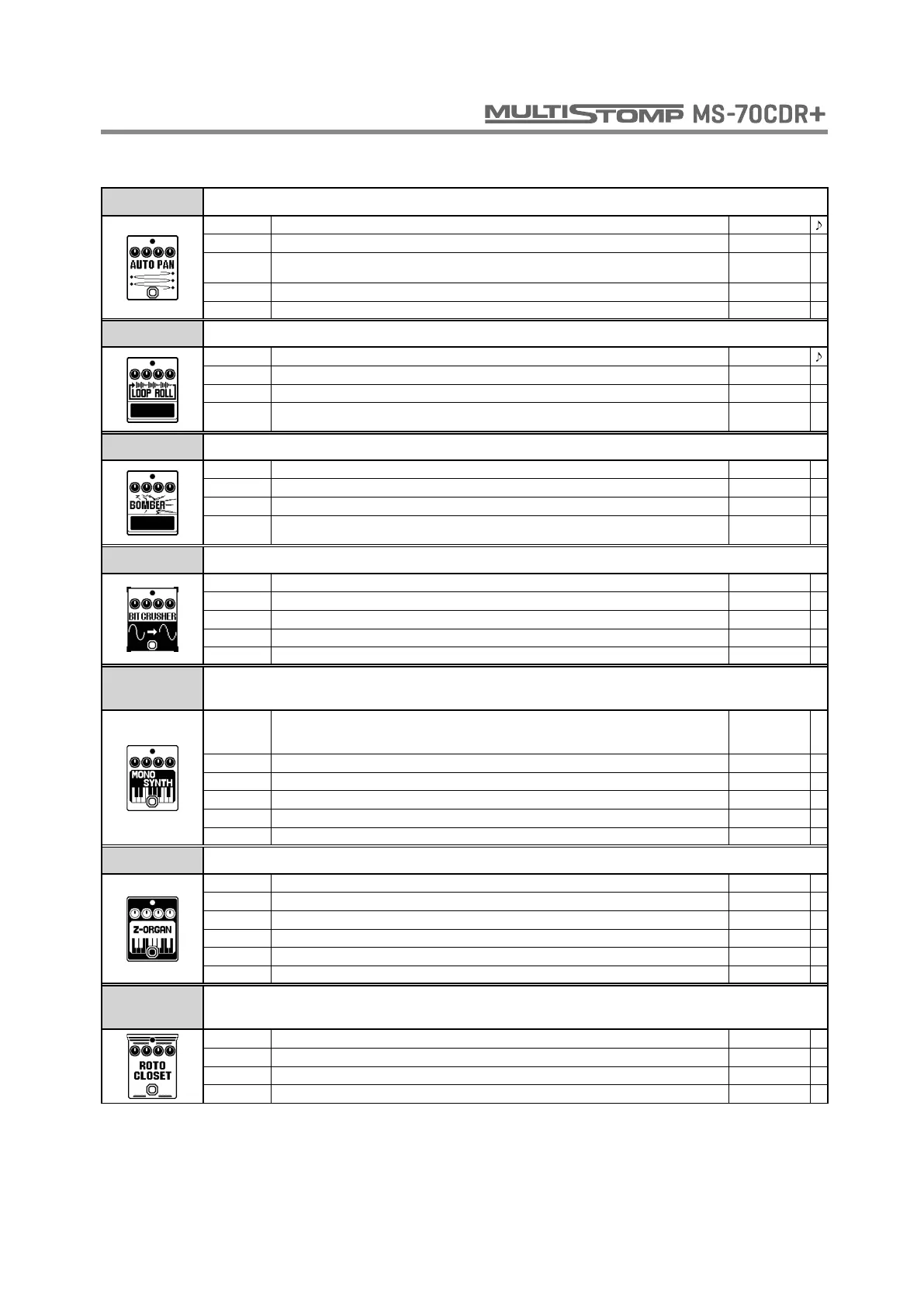
AUTO PAN This effect moves the sound image cyclically left and right.
RATE Sets the speed of the modulation. 0 - 50
WIDTH Sets the width of the panning. L50 - R50
CLIP
Adjusts the amount of waveform clipping. Higher values emphasize the auto-panning effect
more.
0 - 10
DEPTH Sets the depth of the modulation. 0 - 10
VOL Adjusts the volume. 0 - 100
LOOP ROLL This effect allows you use the footswitch to sample and hold what you play.
TIME Sets the loop time. 10 - 4000
DUTY Sets the time that the sample-and-hold sound is produced. 25 - 100
BAL Adjusts the balance between original and effect sounds. 0 - 100
ON/OFF Sets the foot switch function.
LATCH,
UNLATCH
BOMBER This effect generates explosive sounds.
DECAY Adjusts the length of the explosive sound. 1 - 100
TONE Adjusts the tone. 0 - 10
MIX Adjusts the amount of effected sound that is mixed with the original sound. 0 - 100
TRGGR This sets the trigger for the bomb sound.
INPUT,
FOOT SW
BIT CRUSHER This effect creates a lo-fi sound.
BIT Sets bit depth. 4 - 16
SAMPLE Sets sampling rate. 0 - 50
TONE Adjusts the tone. 0 - 10
BAL Adjusts the balance between original and effect sounds. 0 - 100
VOL Adjusts the volume. 0 - 100
MONO
SYNTH
This effect produces the sound of a monophonic (single-note playing) guitar synthesizer
that detects the pitch of the input signal.
WAVE Sets waveform.
SINE, TRI,
SAWUP,
SAWDN
SPEED Adjusts smoothness of pitch change. 0 - 100
TONE Adjusts the tone. 0 - 10
SYNTH Adjusts synthesizer sound level. 0 - 100
DRY Adjusts level of original sound. 0 - 100
VOL Adjusts the volume. 0 - 100
Z-ORGAN This effect simulates an organ sound.
HPF Adjusts high-pass filter cutoff frequency. 0 - 10
LPF Adjusts low-pass filter cutoff frequency. 0 - 10
UPPER Adjusts volume of high frequencies. 0 - 100
LOWER Adjusts volume of low frequencies. 0 - 100
DRY Adjusts level of original sound. 0 - 100
VOL Adjusts the volume. 0 - 100
ROTO
CLOSET
Simulates a rotary speaker.
MODE Sets the rotary mode. SLOW, FAST
DRIVE Adjusts the amount of amplification from the preamp. 0 - 100
BAL Adjusts the balance between the horn (high frequencies) and the drum (low frequencies). 0 - 100
VOL Adjusts the volume. 0 - 100
SFX



 To Next Page