19
USB connections (continued)
S
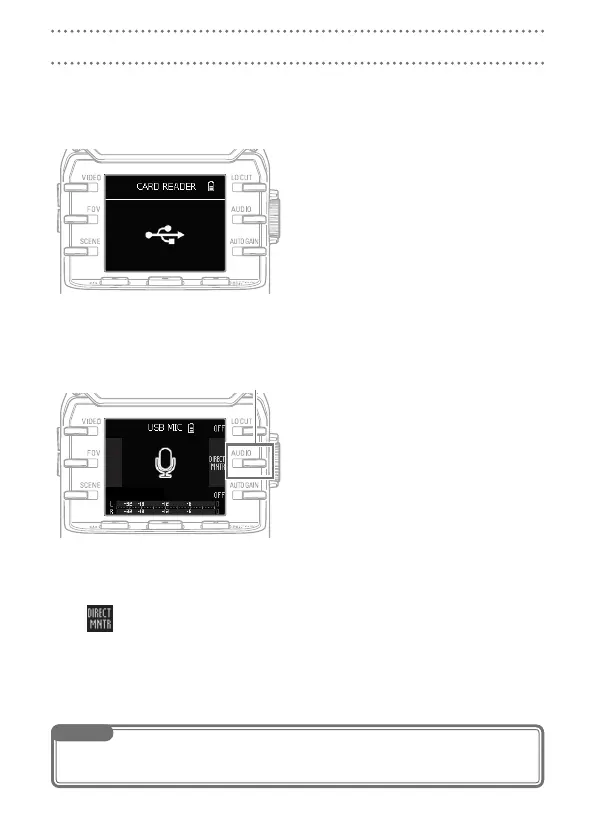
Using as a card reader (computer/iOS device)
You can use the Q as a card reader to transfer data to and from computers and iOS
devices.
View the contents of the SD card
1.
loaded in the Q on the file man-
agement screen of the computer or
iOS device.
Work with the files on the SD card.
2.
S
Using as a USB mic (computer/iOS device)
You can use the Q as a USB mic to input audio to a computer or iOS device.
On the computer or iOS device, open
1.
the application with which you want
to use it as a mic, and select the
Q.
Use the
2.
Q recording operations.
Direct monitoring setting
The input sound can be monitored directly when used as a USB mic.
Select
to turn it ON/OFF.
NOTE
When connected to a computer, power can be supplied by USB. When connected to an iOS device, power
cannot be supplied by USB.
Direct monitoring setting



 To Next Page