20
The Q firmware can be updated to the latest version.
Copy the file for updating the firm-
1.
ware to the root directory on an SD
card.
The latest version of the firmware can
be downloaded from www.zoom.co.jp.
Insert the SD card into the card slot
2.
on the bottom.
Press
3.
p while pressing and
holding r to turn the power on.
Keep pressing the buttons until the firm-
ware update screen opens.
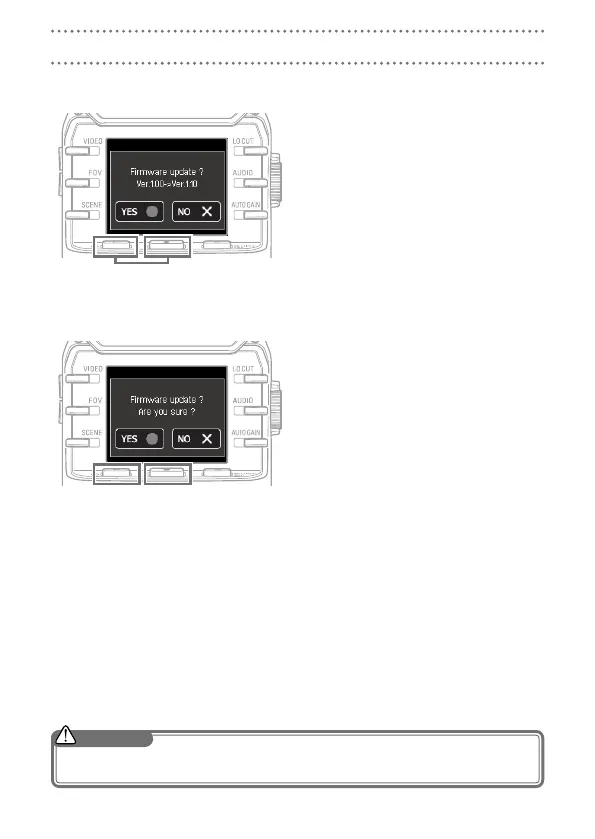
On the Confirmation Screen, press
4.
r and select “YES R”.
On the Final Confirmation Screen,
5.
press r and select “YES R”.
After updating, the Completion Screen
opens.
Press
6.
p for at least one second
to shut down.
Updating the firmware
Do not turn the power off during an update.
•
Upgrading the firmware is not possible if the remaining battery power is low.
•
CAUTION



 To Next Page