12
3. Click the Login at the top right of the page and then enter the Web UI password (the default
password is password).
4. Click Login to access the Web UI.
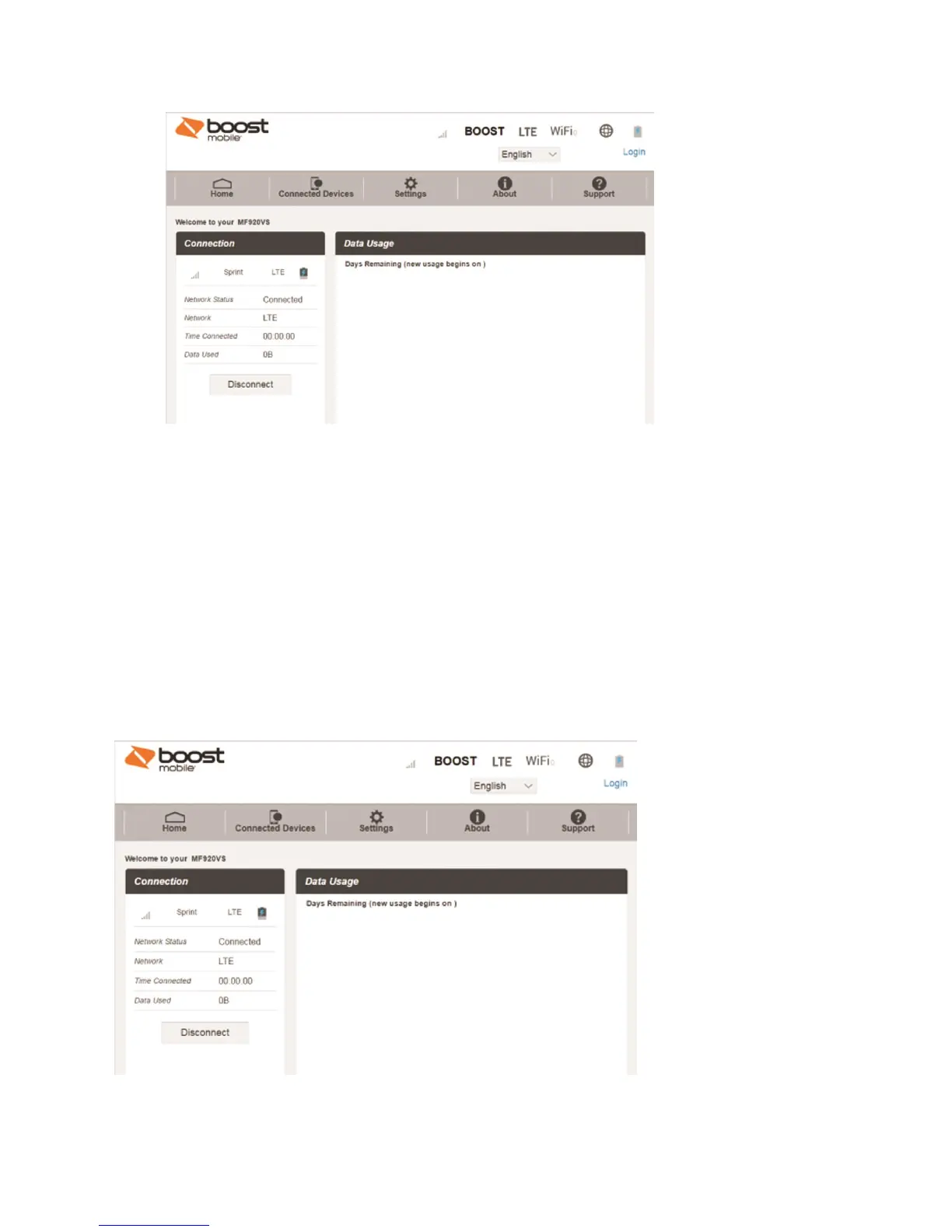
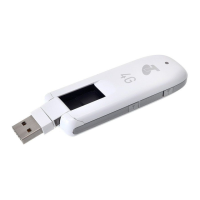
Web UI Window
Explore the options available through the device's Web UI window.
1. Connect your hotspot to an external device via a Wi-Fi connection or a direct USB connection.
2. Launch a browser and access the Web UI by entering http://192.168.128.1 or http://myhotspot in
the address bar.
The Web UI launches and displays the main window.


 To Next Page