14
Set Access Permissions
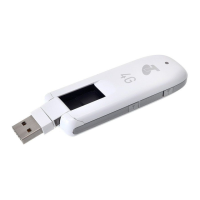
Control user's ability to access main or guest Wi-Fi. Changing this status will immediately update the
status of devices listed ability to access Wi-Fi from this device, even if they have the password.
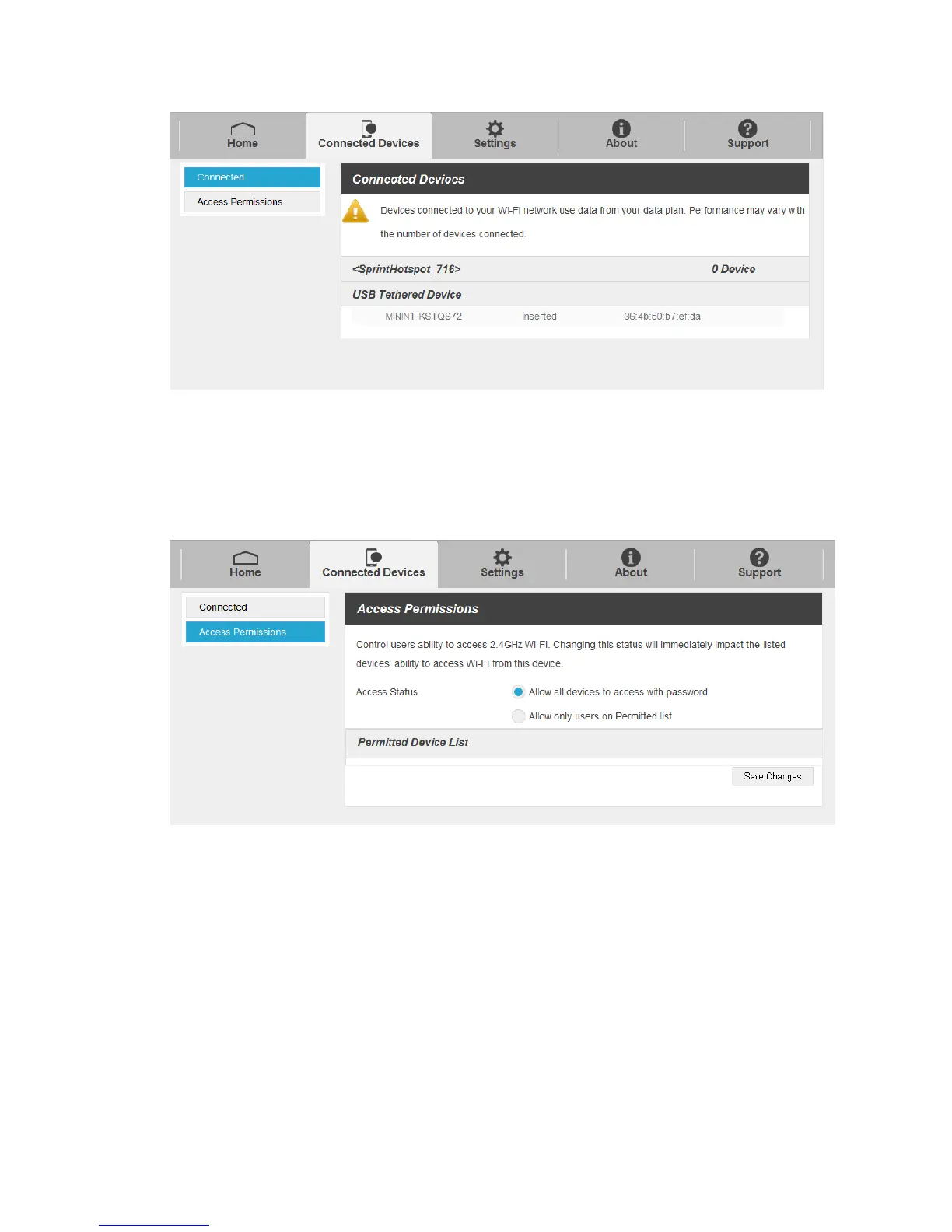
1. Click Connected Device > Access Permissions.
2. Select an access status and then click Save Changes.
Settings Tab
Set your hotspot, including Wi-Fi, Mobile Network, Device and Advance Router.
Wi-Fi Basic Settings
Set the basic Wi-Fi settings for your hotspot.


 To Next Page