21
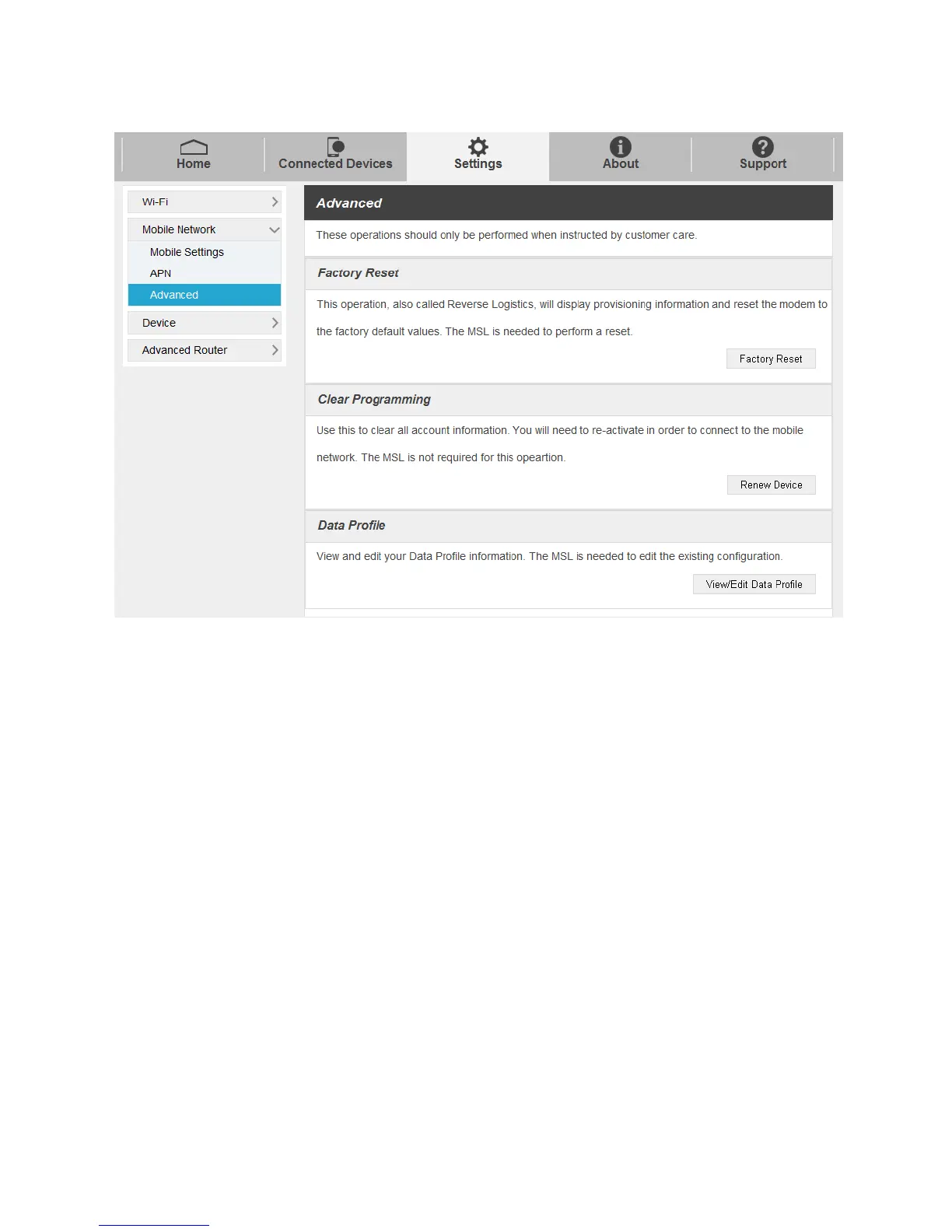
Factory Reset: Click Factory Reset to reset the modem to the factory default value.
Clear Programming: Click Renew Device to clear all account information.
Data Profile: Click View Edit Data Profile to view and edit your Data Profile information.
Device Settings
Set sleep mode, manage account password, update software, back up, restore and check system log.
Preferences
1. Select Settings > Device > Sleep Mode, you can set the battery timeout on this page.


 To Next Page