22
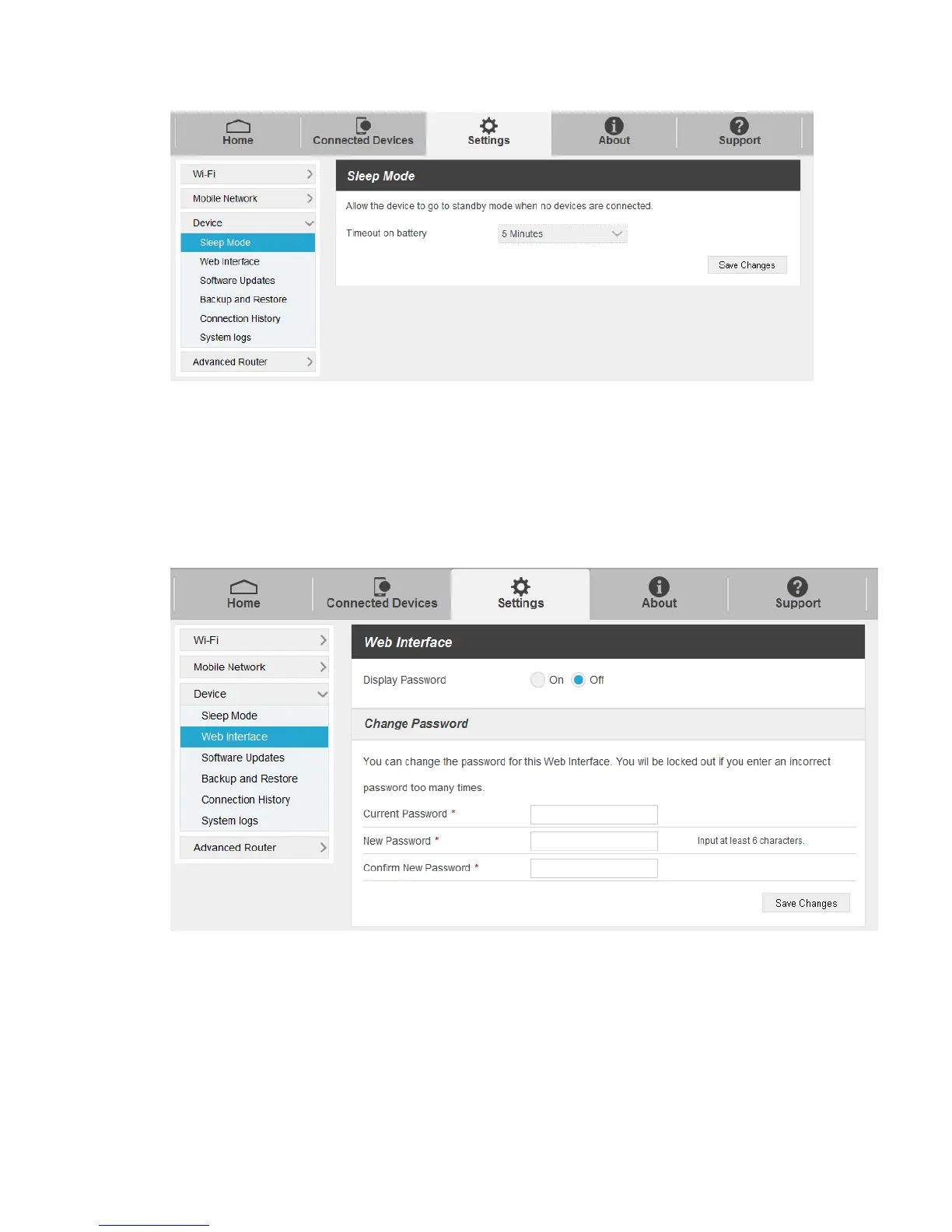
Timeout on battery: Select a timeout time from the drop-down list.
2. Click Save Changes to save your settings.
Web Interface
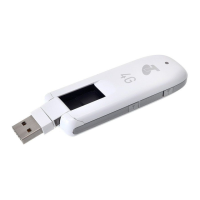
1. Select Settings > Device > Web Interface. You can manage your account password on this
page.
Current Password: Enter the current password,
New Password: Enter the new password.
Confirm New Password: Enter the new password again.
2. Click Save Changes to save your settings.


 To Next Page