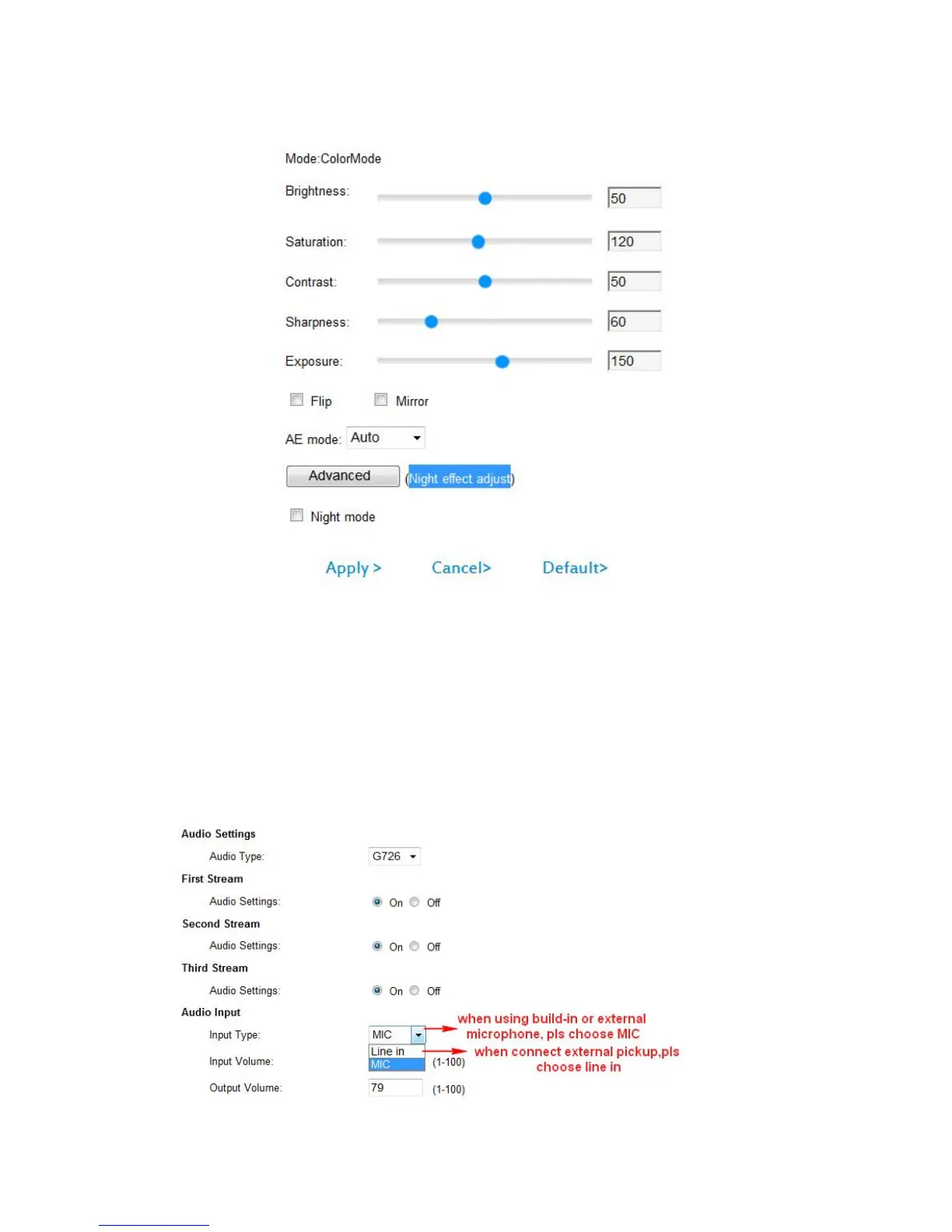
3.1.2 Image settings
1) Color adjustment: drag the slider above, user can adjust the brightness,
Saturation, Contrast, Sharpness and Exposure to meet their visual user
preferences.
2) Flip and mirror: set the picture upside down, left and right sides.
3) AE mode: automatically, indoor and outdoor exposure.
4) Night effect adjust
5) Restore the default value: click on the "default" button after restore image
parameter values to the factory settings.
3.1.3 Audio settings



 To Next Page