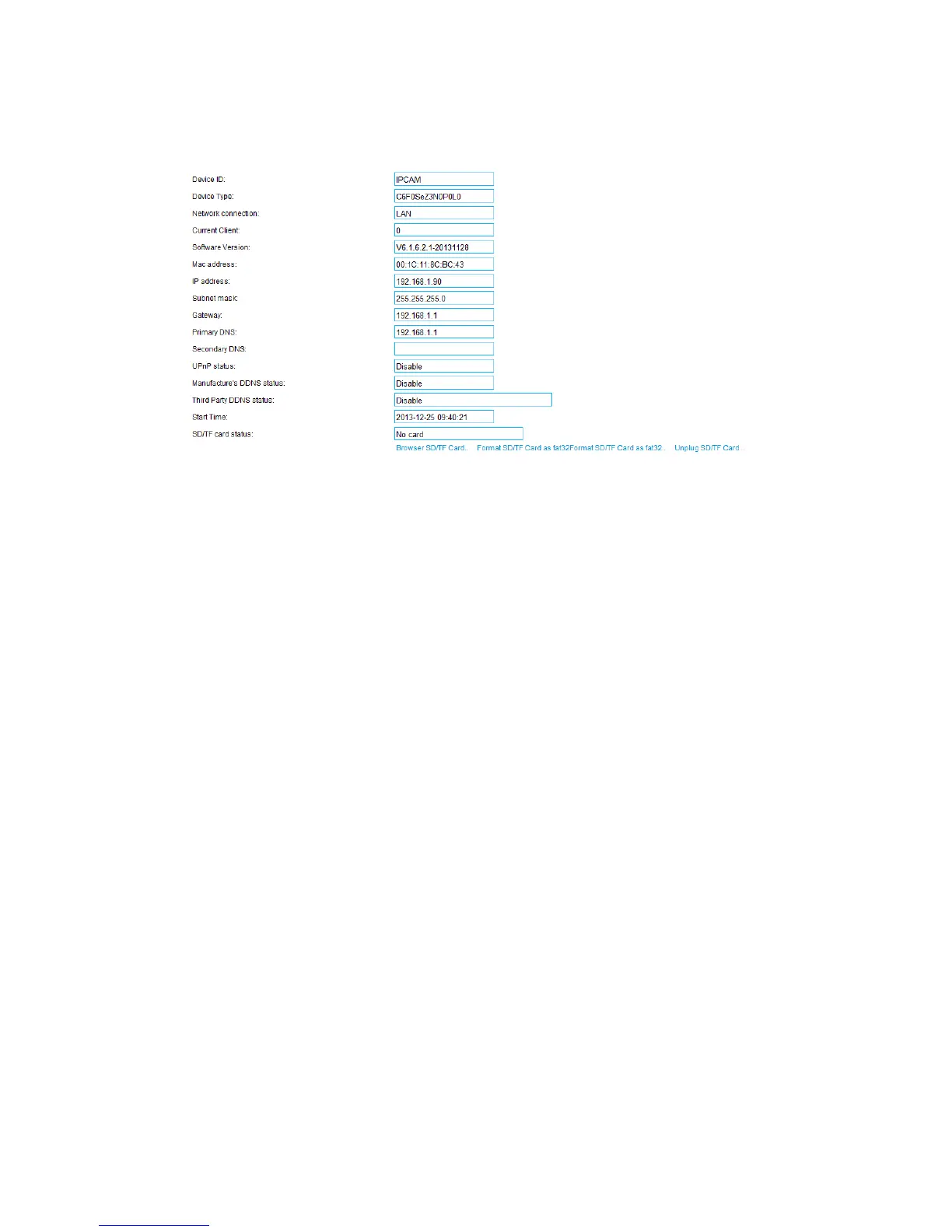
3.6 Device information
“Network Connection” will display “LAN” when connected by wired cable or display
“Wireless LAN” when connected by WIFI.
“SD/TF status” will display if SD /TF card inserted and the rest capacity.
Note: The device supports max 32G micro-SD card. Please format the micro-SD card
to FAT32 before using the card on camera, also please check if micro-SD Card
matches the camera or not before purchasing.
4 Appendix
4.1 FAQ
I have forgoten the administrator username and/or password
To reset the administrator username and password, press and hold down the RESET
BUTTON more than 10 seconds. Upon releasing the reset button, the username and
password will return to the factory default administrator username and password. Please
power on the camera before reset.
Default administrator username and password: admin



 To Next Page