3.5 System
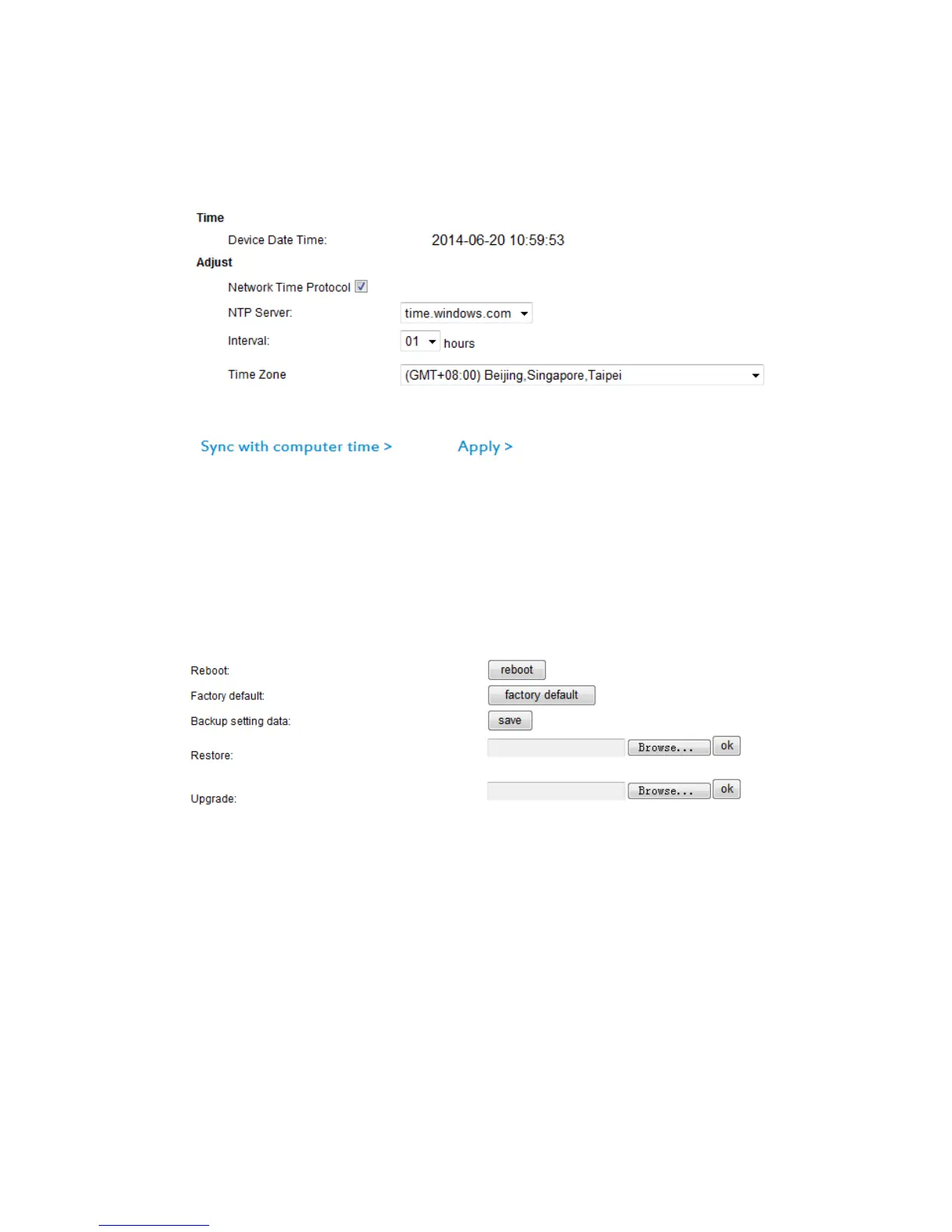
3.5.1 Time
Please select the time zone first.
There are three options to set the time and date, including manual setting, sync with
computer time, from network time server.
3.5.2 Initialize
Choose “Backup setting data”, the camera will generate a file, user can save the
setting on your computer. This feature is convenient for user to find the original
settings of camera, do not need to set parameters again;
“Upgrade firmware” is to upgrade firmware and web camera system to get the newest
software of camera.
3.5.3 System Log
Record all visitors’ login and logout time & date.



 To Next Page