3.3 Alarm Settings
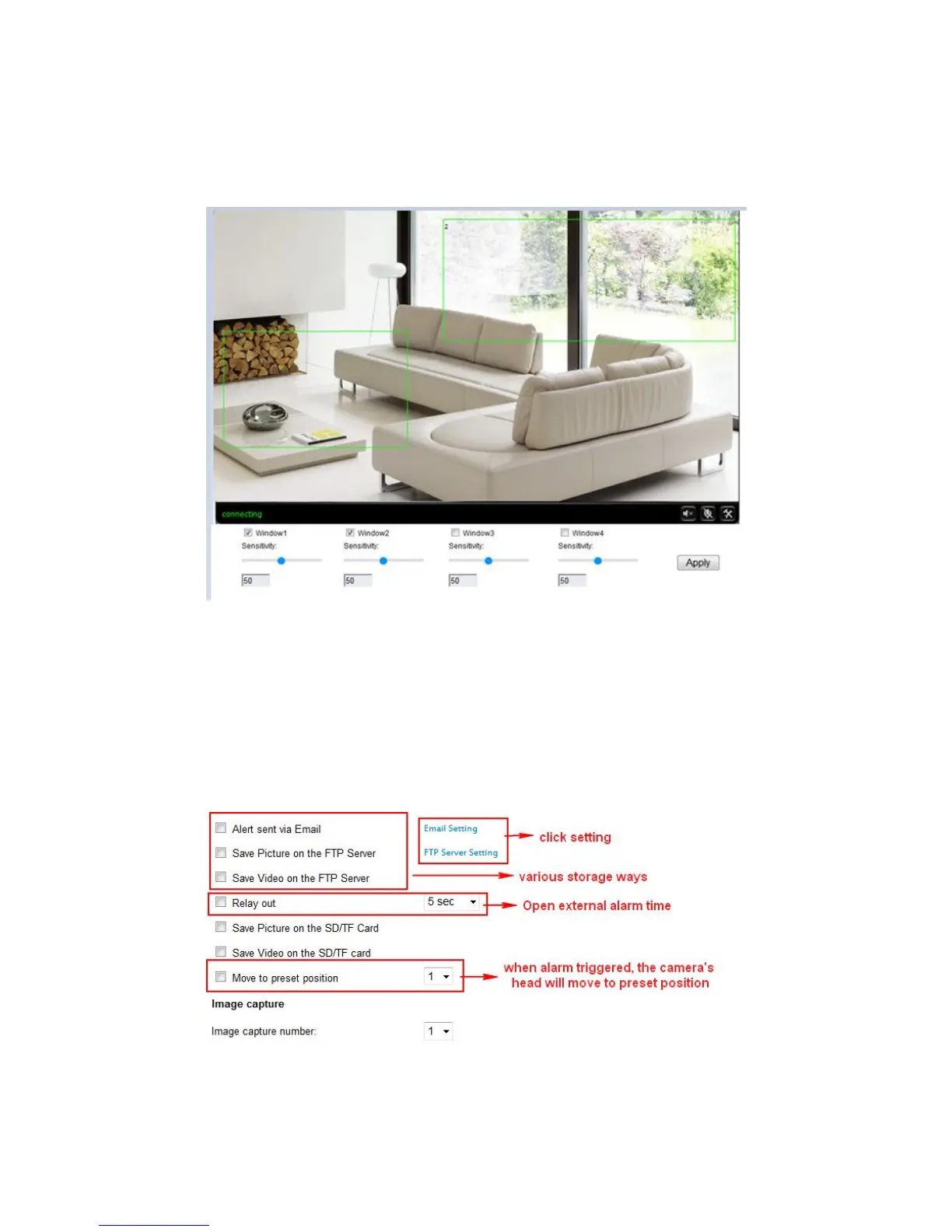
3.3.1 Motion detection
Please click “apply” after settings are done, and motion detection takes effect.
The camera will trigger corresponding alarm when the detection area occur any
change.
3.3.2 Alarm mode settings
After camera triggers the alarm, it will store the capture pictures and videos according
to your setting ways, for example, store in SD/TF, or upload to FTP, or email you, etc.
Note: Please insert the SD/TF Card and tick the “Save Video on the SD card”, “Save
video on the FTP server” will take effect.



 To Next Page