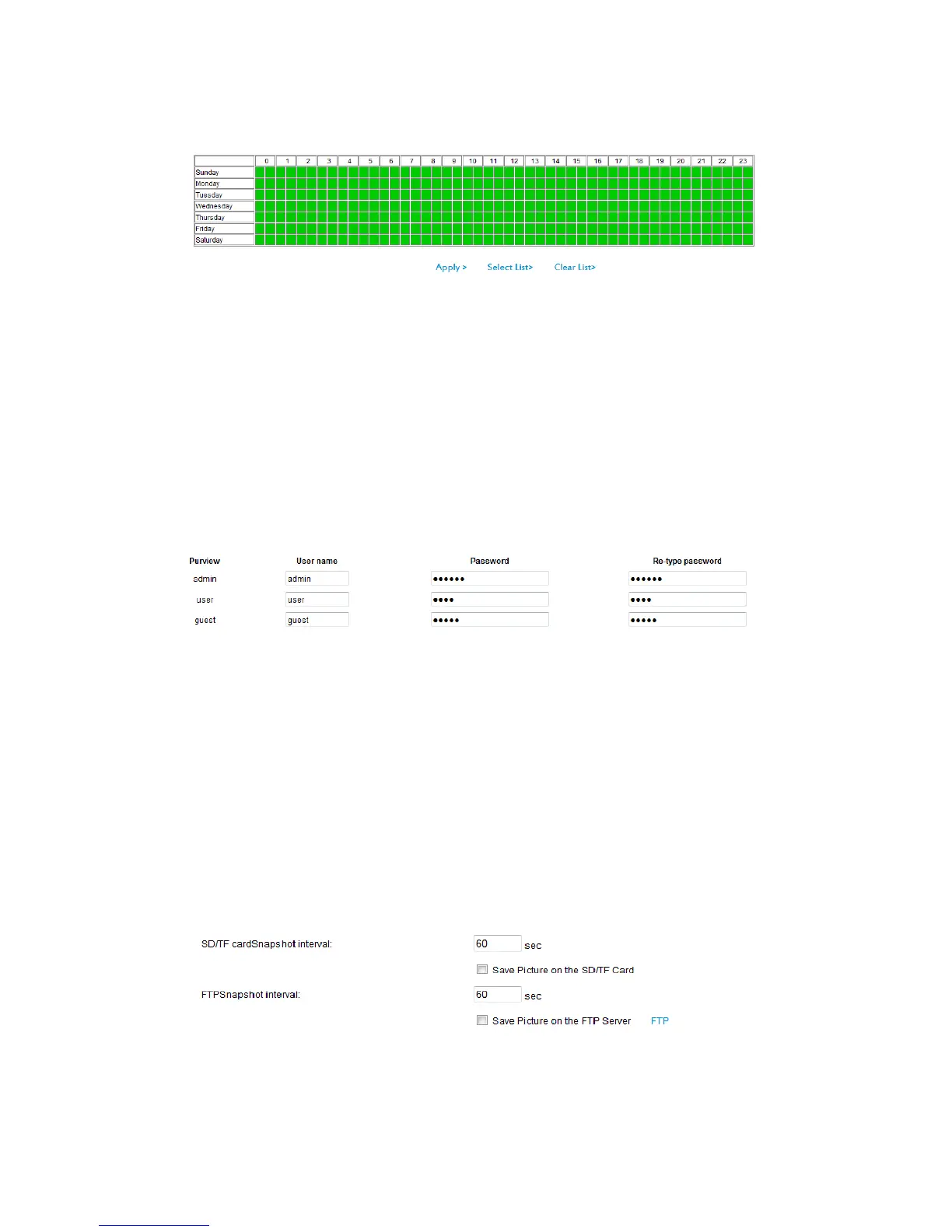
3.3.3 Alarm time settings
The device will trigger the alarm only during the scheduled time period, you can select
the scheduled time according to your request.
Note: Please make sure your system time is correct before you set the alarm time
period. Please refer to chapter 3.5.1 to set system time.
3.4 Advanced Settings
3.4.1 User management
There are 3 levels of user authorization
1) Admin: “administrator” has the highest authority. It can do any settings. Factory
default password: admin
2) User: user can only operate the device but can’t do any setting changes. The default
password is user.
3) Guest: User can view the video, but can’t operate the device. The default password is
guest.
Note: Please change these 3 level passwords when your first use to ensure your
safety.
3.4.2 Auto Snapshot
Note: Tick “Save Picture on the SD card”, the snap pictures will be stored into SD card
during the setting time.



 To Next Page