Support two-way intercom function, support G.711 and G.726 audio encoding;
Support 802.11b/g/n protocol, build-in WIFI module to perform wireless
monitoring;
Support four regional motion detection and external alarm detector, achieve
all-round protection on the spot;
Support level 3 user permissions Settings;
Support max. 32G micro SD card for storing the alarm video and pictures;
Built-in web server, use one port to send all the data, it facilitates network setting ;
Support ONVIF and RTSP protocol, facilitate integration to the NVR;
Support P2P;
Provide free client software, support Multi-view, Long time recording, video replay
etc.;
Provide free software viewed by mobile phone.
2 Access the IP Camera
2.1 Access the Camera in LAN
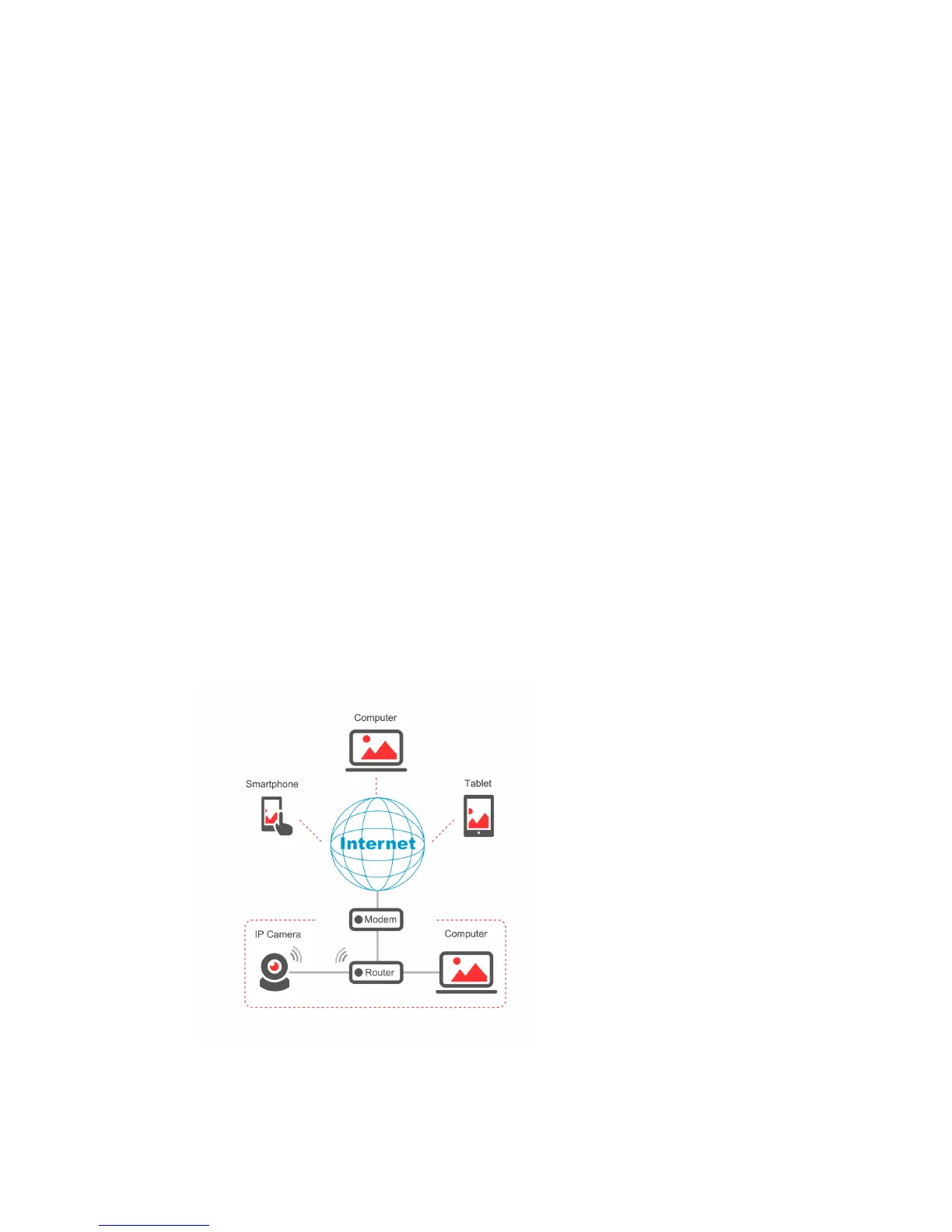
Connect the IP Camera and Computer to the same router.



 To Next Page