~ 11 ~
Video record and Capture
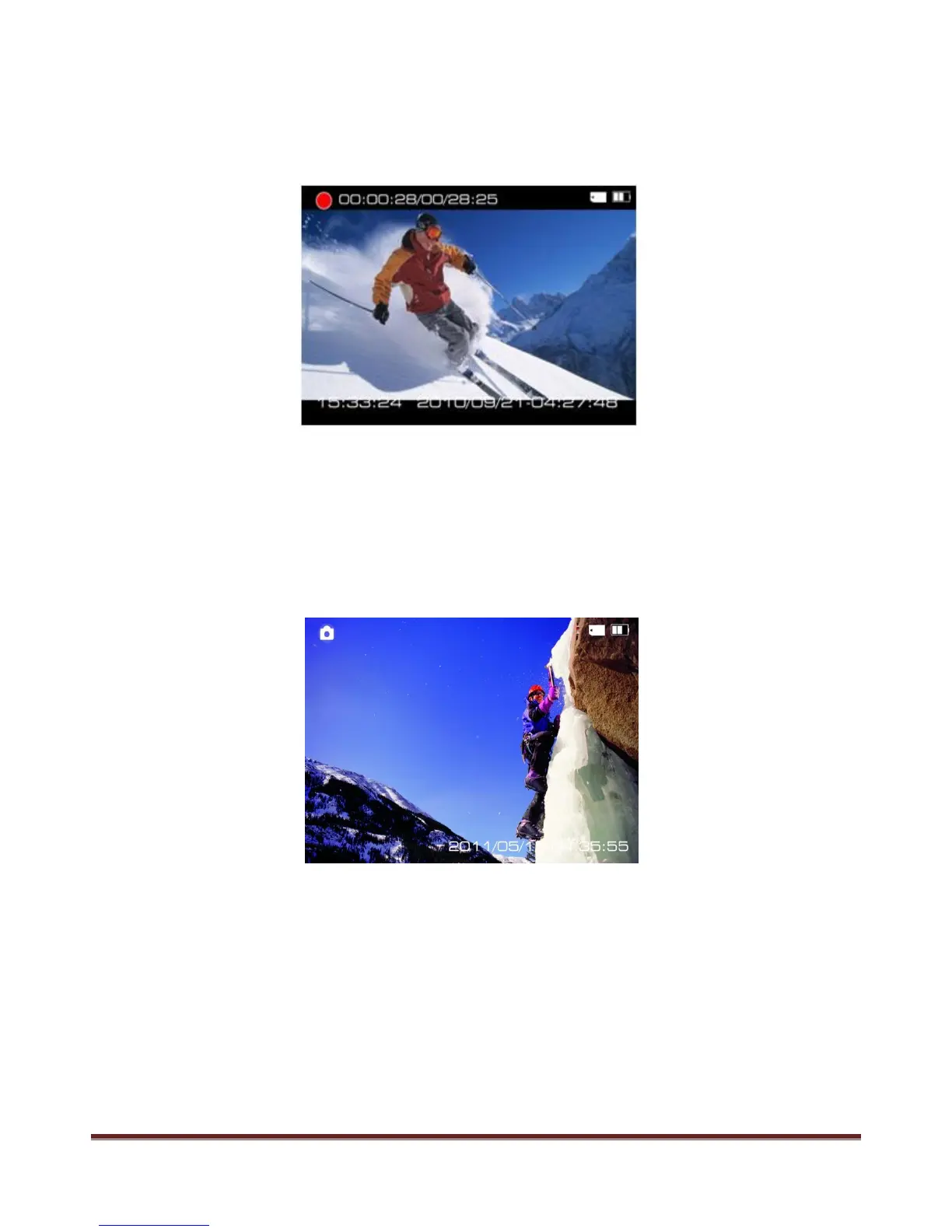
1.Press POWER button turn on the camera, press REC button to start the video record, a red icon will
flash on the screen during this time.
Press " <" and " >" button to zoom, press REC again to stop the video record and video will be saved at
the same time.
2.Under power on state, press POWER button to take picture, the camera icon on the screen flash into red
color and go back to white color during this time. Press " <" and ">" to zoom.
The camera support Continuous capture and timing record, please read page 32 for more detailed setting
and operation.
www.21pro.co.uk



 To Next Page