~ 14 ~
Delete files
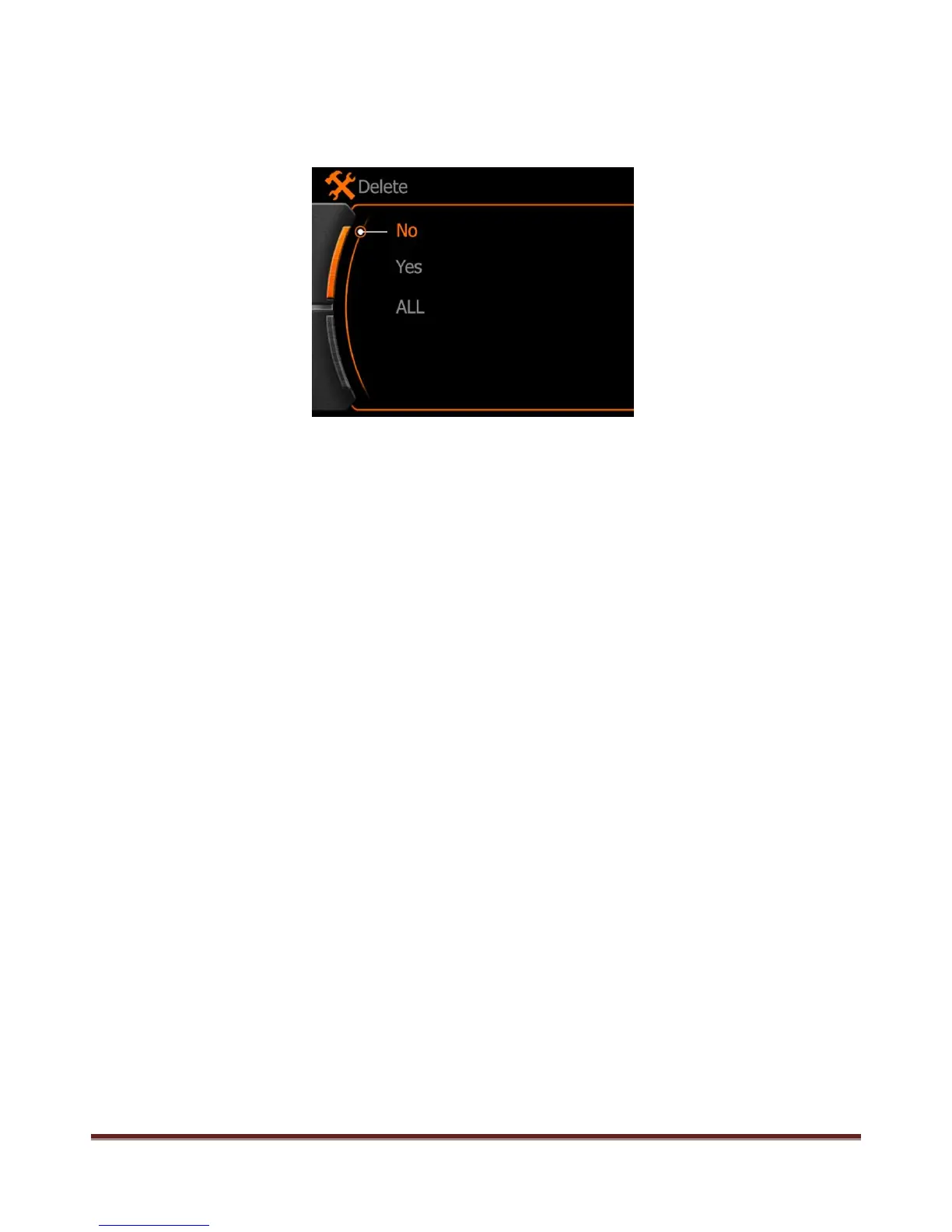
Long press MENU button under playing back or browsing state, delete option menu will display on the
screen
Use "<" and ">" to make setting:
No:cancel current operation and quit
Yes:confirm current operation and quite
ALL:confirm delete all files in the folder
Press REC button to confirm operation
Attention:
The files will not be recover after deleted, recommend to make copy in the computer before make this
operation.
www.21pro.co.uk



 To Next Page