~ 15 ~
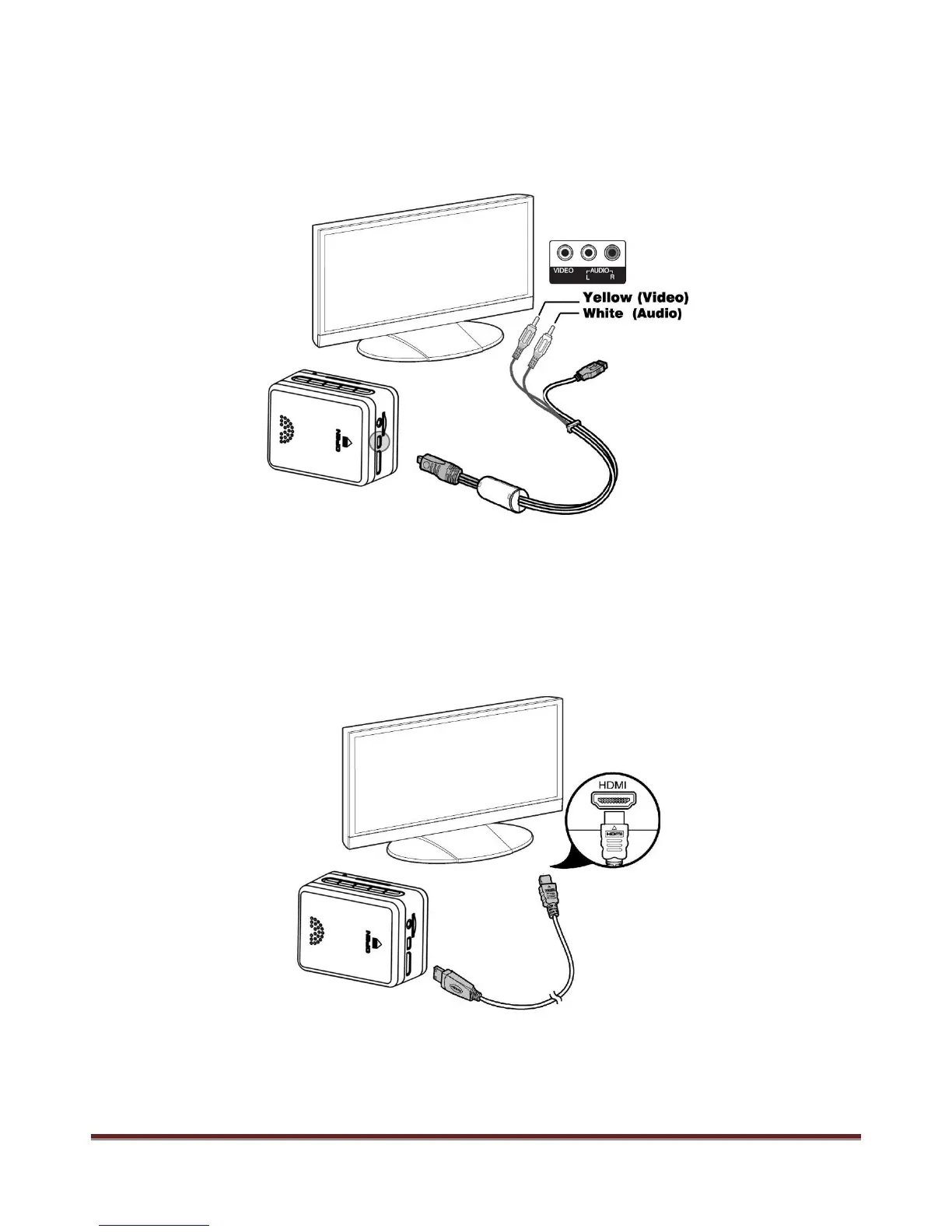
Connect to Television
1.USB-RCA cable connect with TV ( output)
Find out the USB-RCA cable in standard accessories, USB side insert to camera, RCA side insert to TV
( Yellow for Video, White for Audio)
2. HDMI cable connect with TV (output)
Please insert the A type connector to the TV , insert C type connector to camera
Note:
The video that output to TV is 1080P resolution when playing back video clip, real-time output display is
480i only.
www.21pro.co.uk



 To Next Page