~ 16 ~
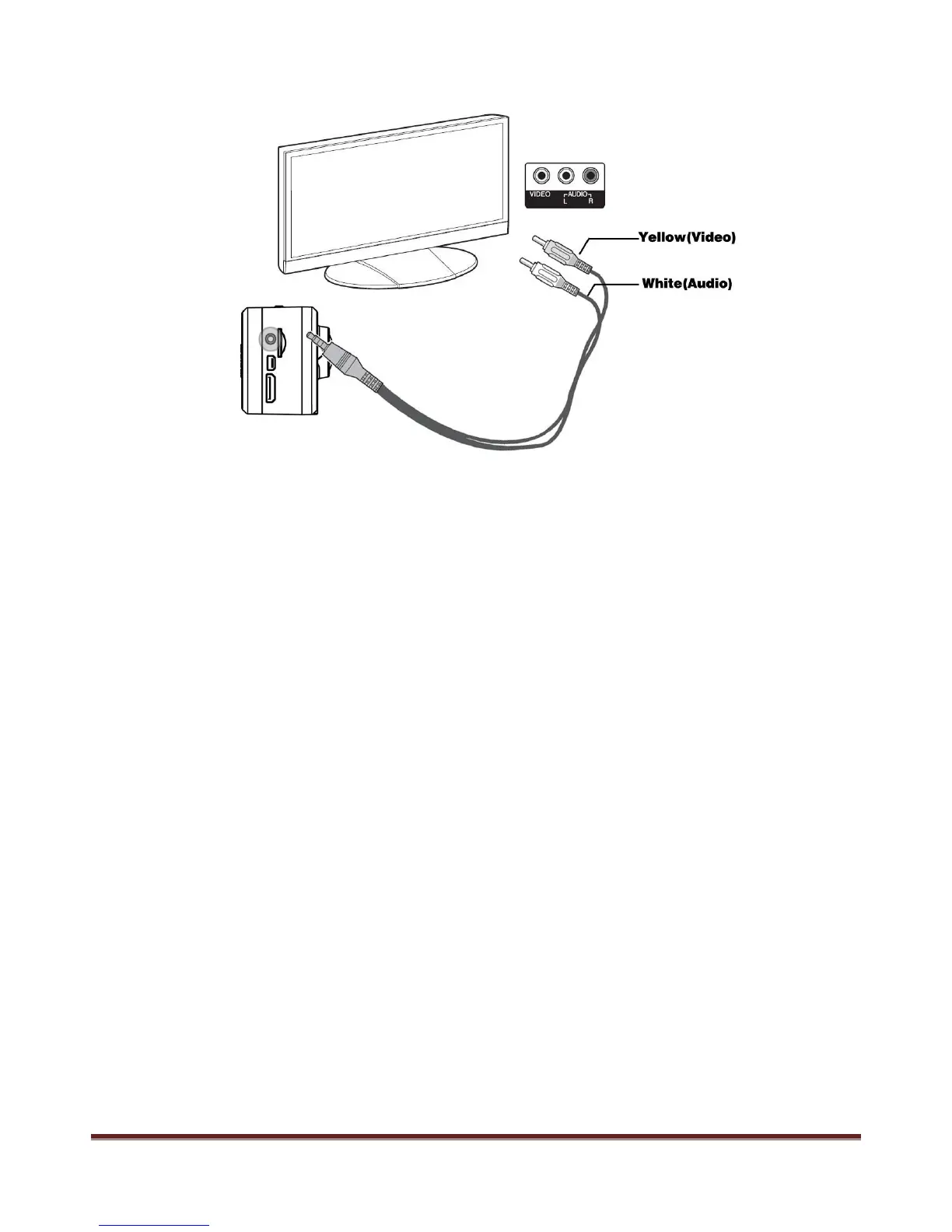
3. 2.5mm - RCA cable connect with TV (output)
2.5MM - RCA cable is not included in standard accessories.
Start playing back video clip or browse pictures
a. Turn the TV to AV or HDMI input channel, power on the camera
b. Press MENU button to enter main menu, press " < " and ">" to select video or picture folder, press
REC button to enter
c. Use " <" and ">" button to select the file to playing, press REC to confirm, press again to play.
Note:
Real-time output resolution to TV is 480i.
www.21pro.co.uk



 To Next Page