~ 33 ~
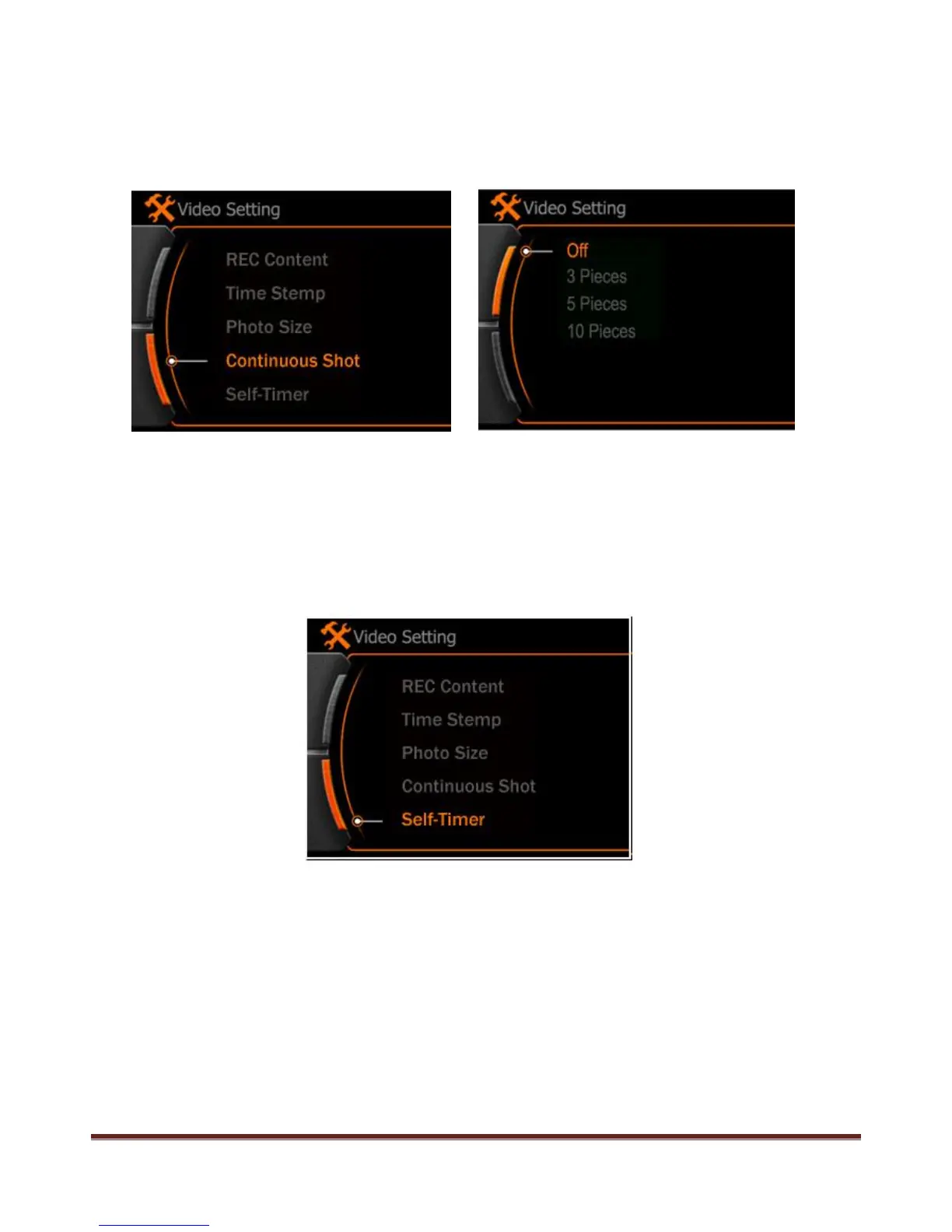
Continuous Shot
Press MENU to enter the main menu, use < > button to select “ Continuous shot” menu, press REC to
confirm and choose the quantity of one shot.
Self-Timer
Press POWER button to active this feature, camera will take pictures in every 10 seconds if no other
operation during this.
Note:
If will not available for the Continuous Shot and Self-Time feature after power OFF, will turn to normal
capture automatically.
www.21pro.co.uk



 To Next Page