~ 35 ~
Date & Time Setting
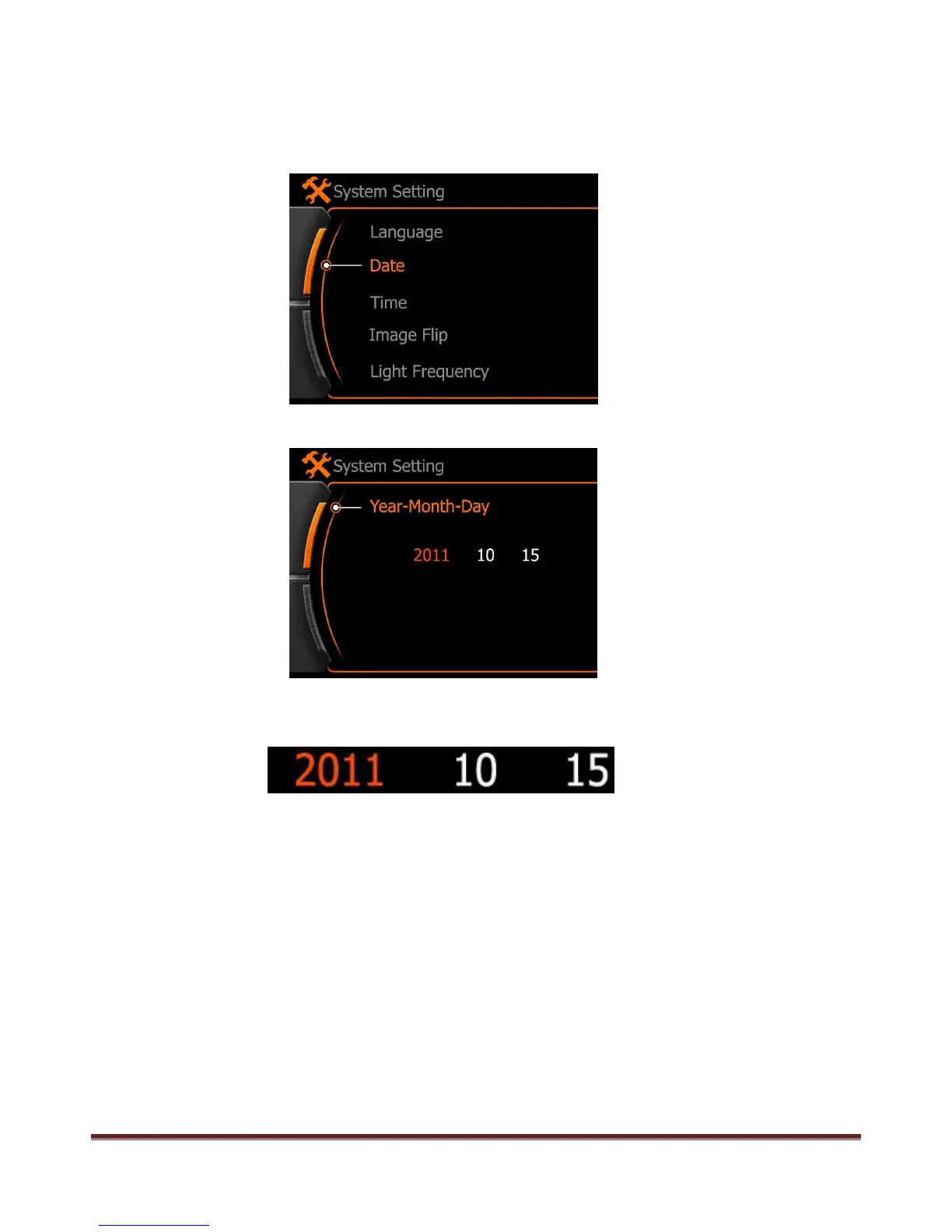
1.Date Setting:
Enter date setting, press REC to select the option, and press REC again to next option
2011:Year option, Red color means changeable
10:Month option, press REC to select and use “<” or “>” to change
15:Date option, press REC to select and use “<” or “>” to change
www.21pro.co.uk



 To Next Page