~ 24 ~
Record Setting
Record Mode
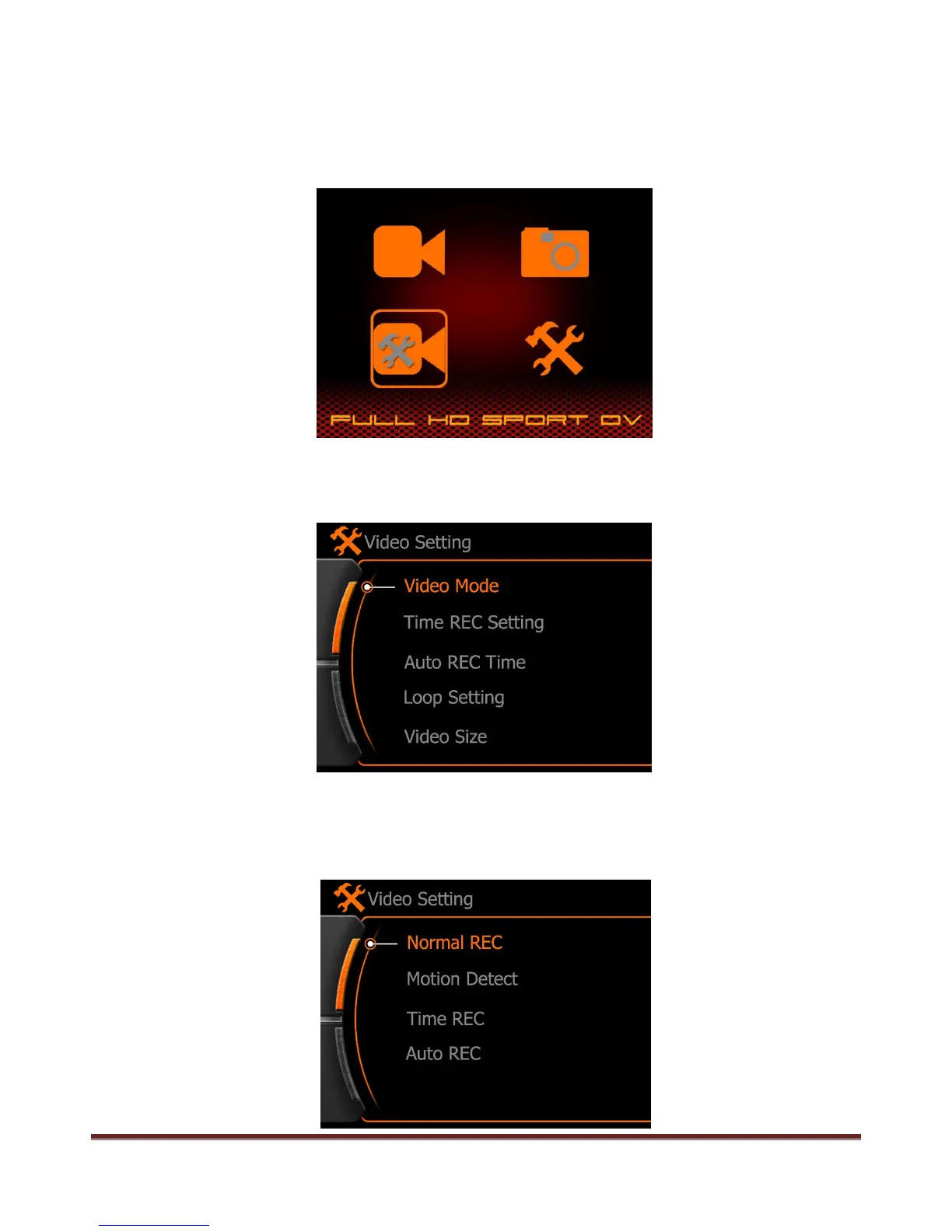
Press MENU button enter the main menu, and select the Record setting menu as below, press REC button
to enter.
Video record setting menu will display as below:
a. Normal REC : Means the camera will start the video record after press the REC button normally under
real-time preview state, press REC button again to stop video record and save the video clip.
www.21pro.co.uk



 To Next Page