~ 25 ~
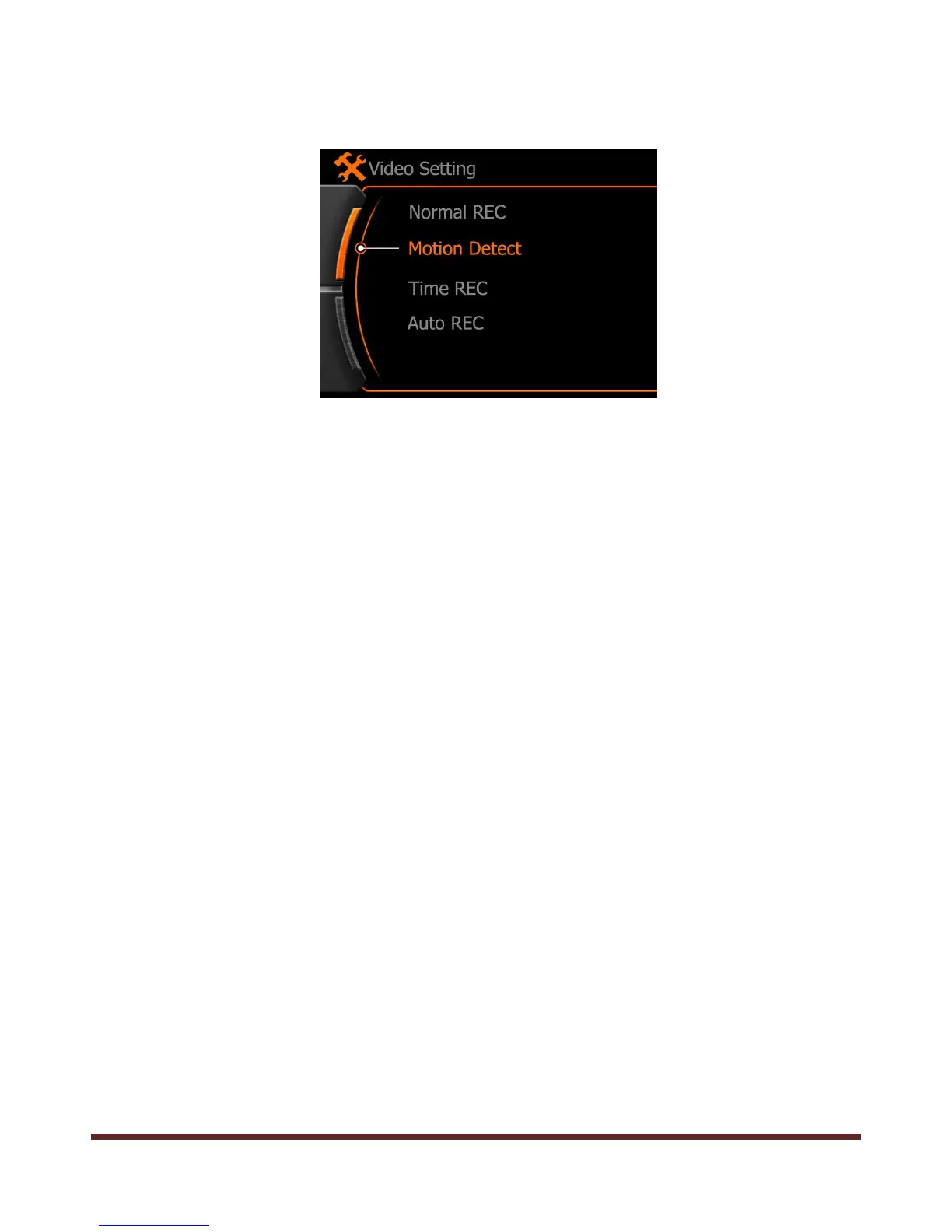
b. Motion detect: Means the camera will start the video record only when the lens detected movement,
camera will not stop video record until here without movement in the picture.
Note:
The movement detect will start after 10 second only when first time setting did.
First time default video record time is 1 minute, if here also have movement after recorded 30 seconds,
system will continue record another 30 seconds, camera will not stop video record if movement always
happen in the picture except battery empty or memory full.
www.21pro.co.uk



 To Next Page