~ 26 ~
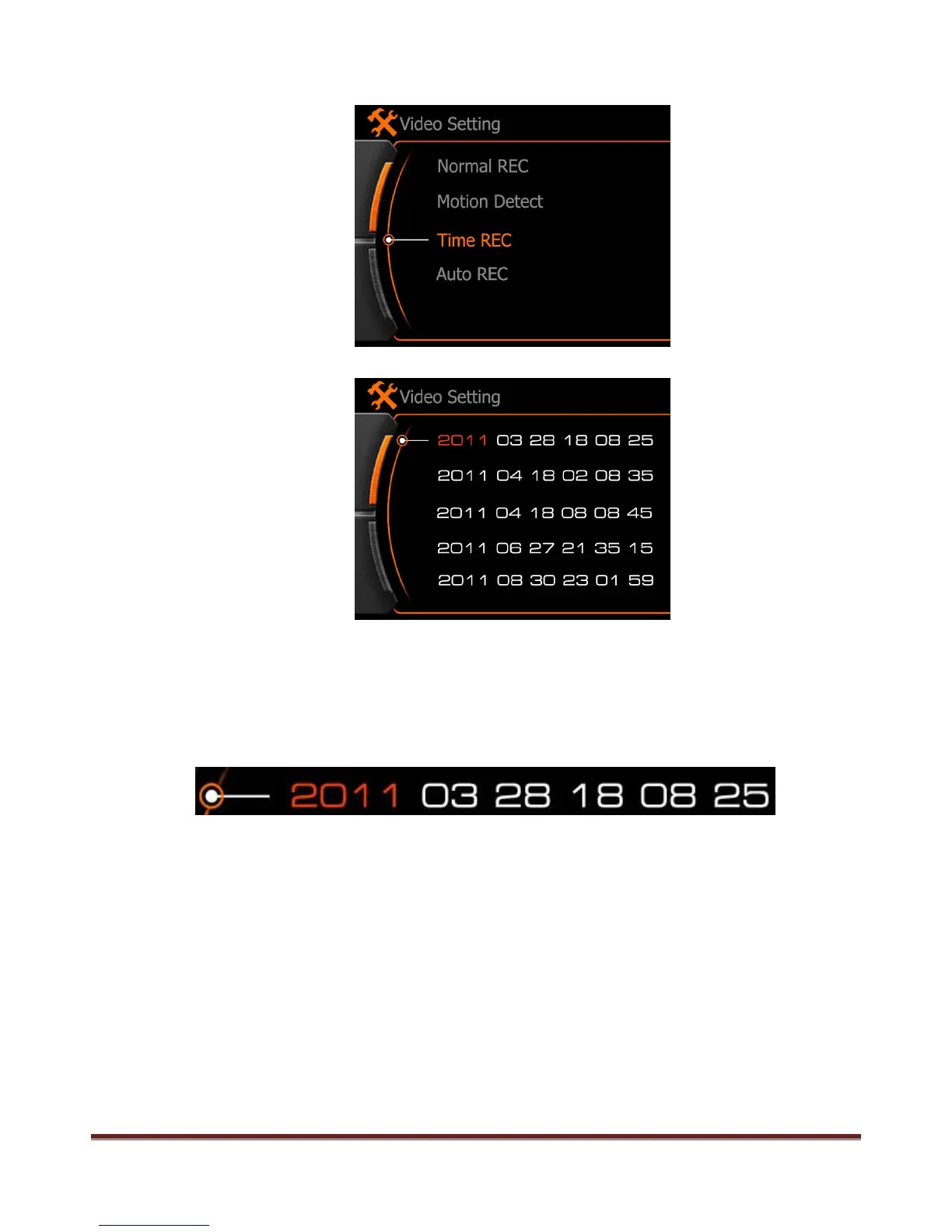
c. Time REC: Set a time (local time) to start the video record automatically
Red color means current option has been selected, use “<” and “>” to add / subtract the number, press
REC button to next option. After first line setting finished, press “>” move down to set next time.
2011: Year, 03: Month, 28:Date, 18:Hour, 08:Minute, 25: How long time of this record
The whole line will be green if setting finished, will be white if the setting time is the past, mean the
setting is not valid. The longest video clip time is 99 minutes.
www.21pro.co.uk



 To Next Page