~ 28 ~
Loop Record
The camera will delete the earliest video clip for newest video clip if memory is not enough.
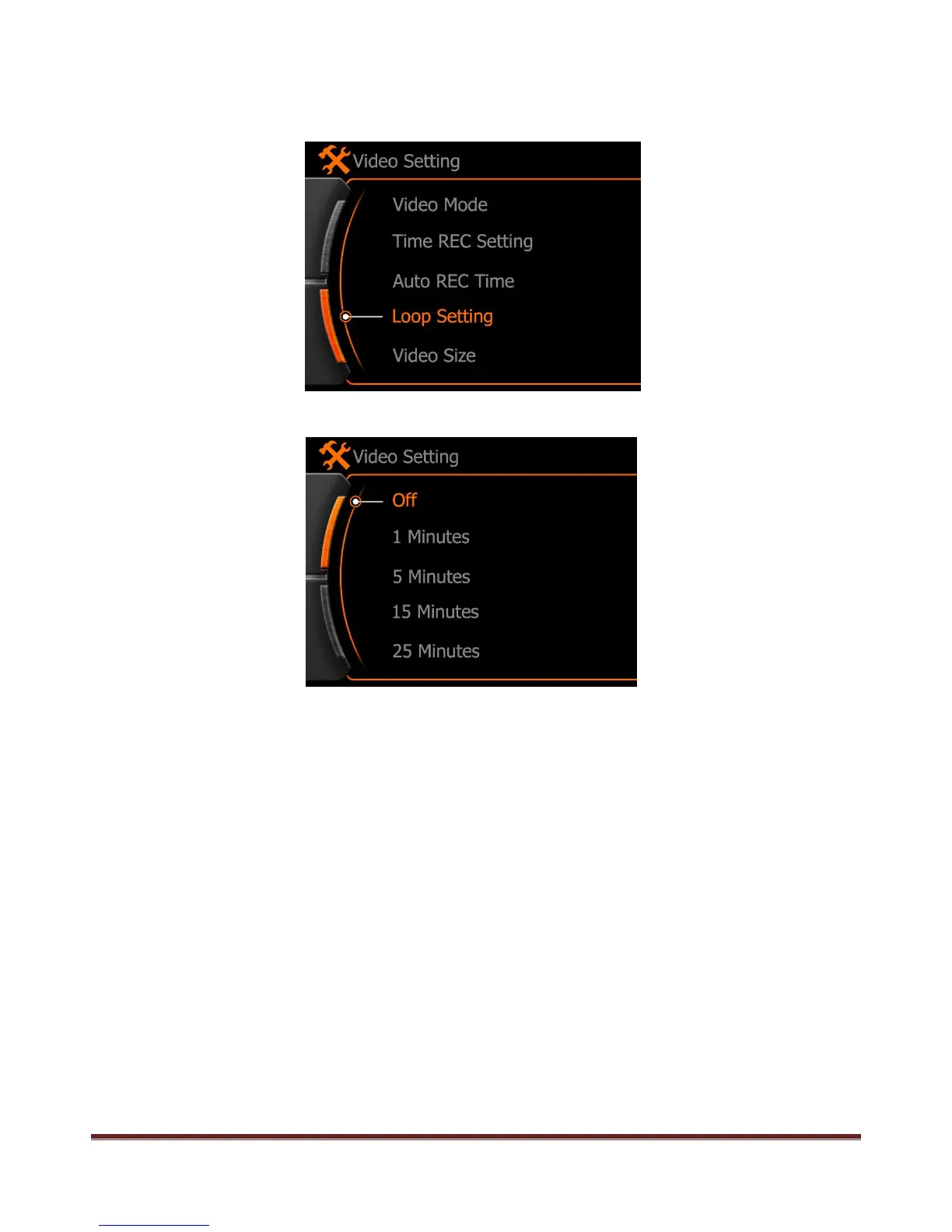
Select the “ Loop Setting” and press “ REC” button to enter the time setting.
OFF:Loop record is not activated
1 Minute: 1 minute per video clip.
5 Minutes: 5 minutes per video clip.
Note:
Loop record only available under Normal record and Auto REC mode.
www.21pro.co.uk



 To Next Page