~ 17 ~
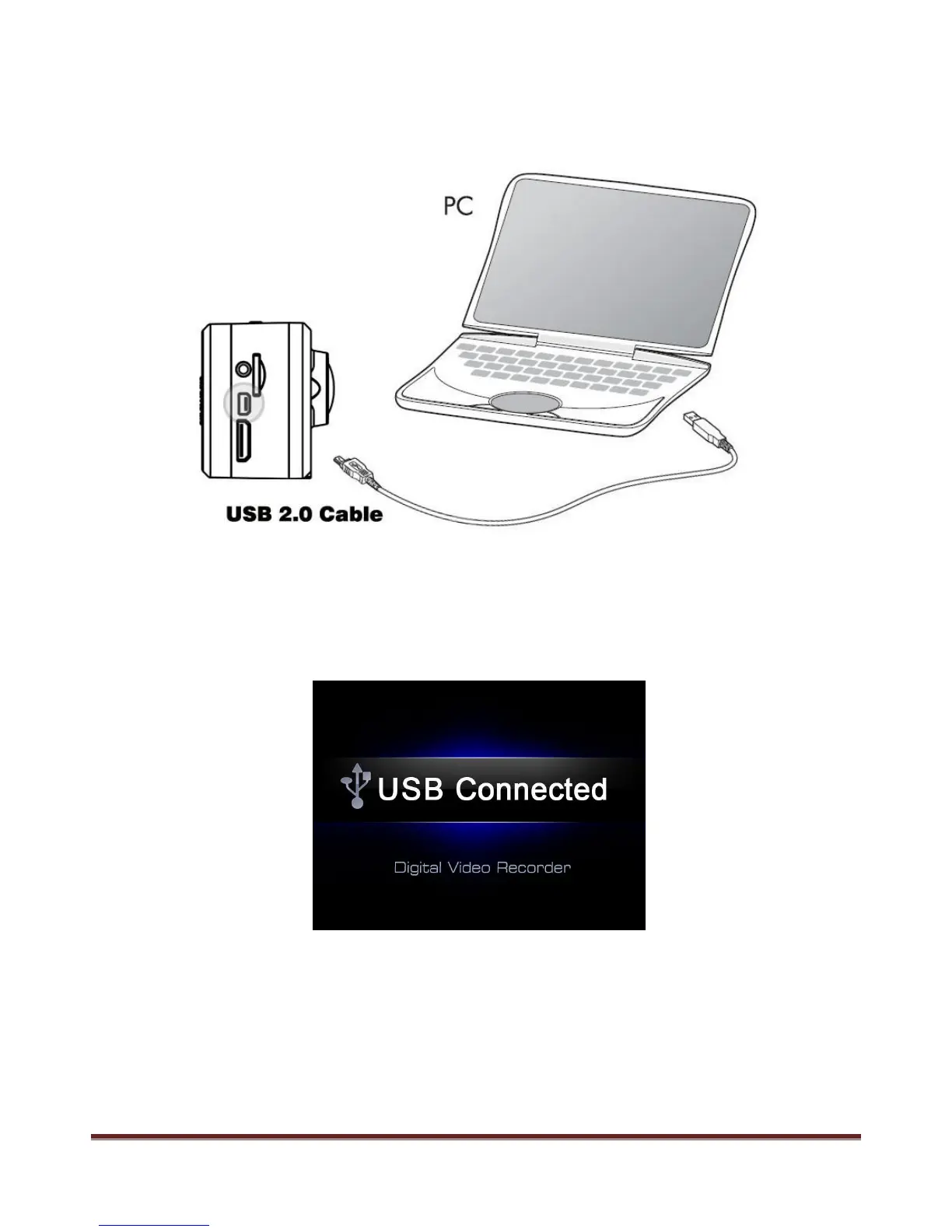
Connect with Computer
Connect the camera with computer via USB cable, available for data transfer, power charge and firmware
update.
Power on the camera after connect it with the computer by USB cable, and the screen will display “ USB
connected” like graphic below, means successfully connected.
Removable disc will be found under “ My Computer” , enter the disc and it is available to browse 、copy
or playback the media.
www.21pro.co.uk



 To Next Page