~ 39 ~
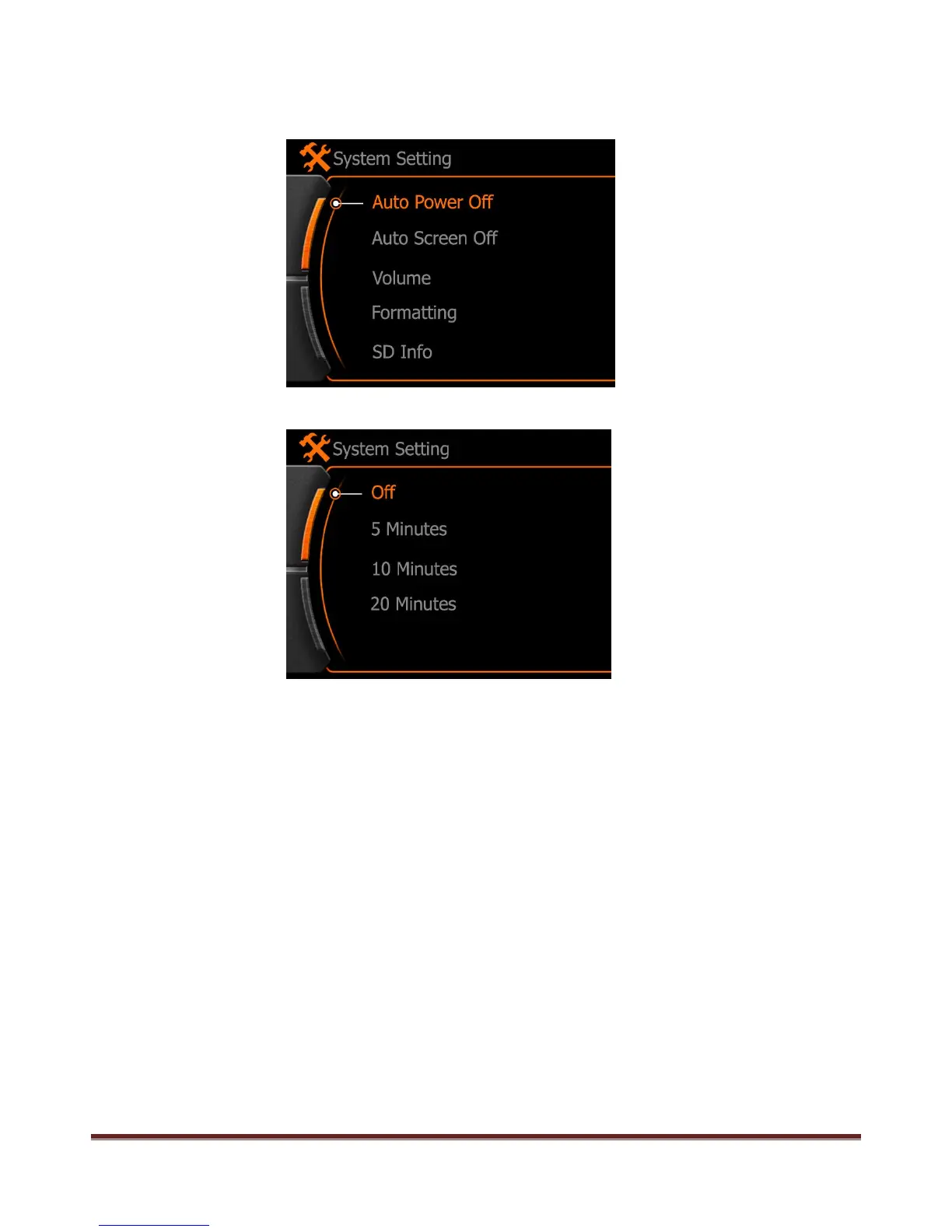
Auto Power OFF
If you want the camera power off automatically after some time, then active this function and set a time.
Press REC button to enter and confirm setting.
OFF:Not actived
5 Mins:Camera will power OFF after 5 minutes whatever state
10 Mins:Camera will power OFF after 10 minutes whatever state
20 Mins:Camera will power OFF after 20 minutes whatever state
www.21pro.co.uk



 To Next Page