~ 13 ~
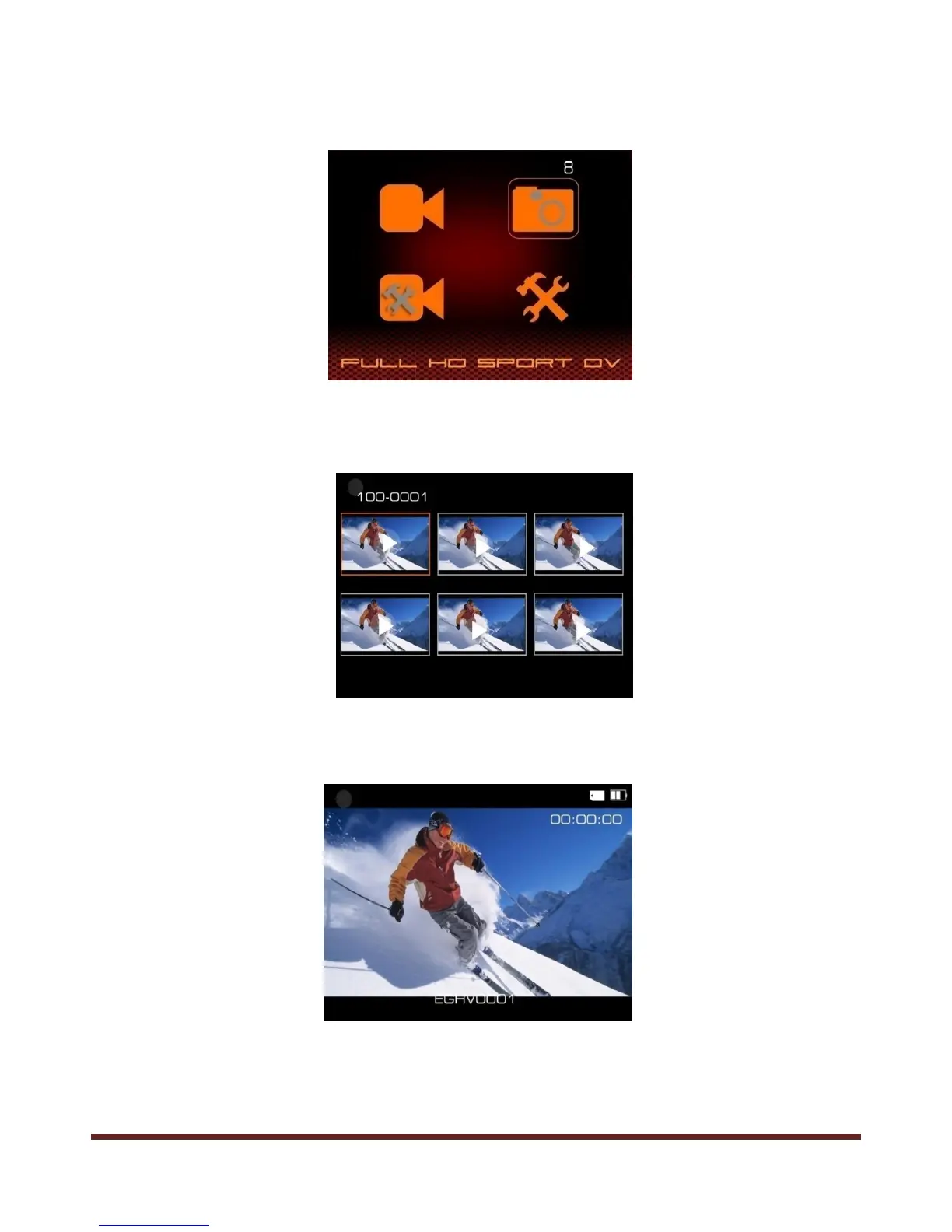
Browse Pictures
Press MENU button to enter the main menu, use "<" and ">" to choose the picture folder, picture
quantity will display on the corner.
Press REC button to enter the picture folder, picture thumbnail will show like below:
Press "<" and ">" to select picture for browsing, press REC to confirm, use "<" and ">" to browse other
pictures.
Delete files - Please read page 14 for more details.
www.21pro.co.uk



 To Next Page