~ 6 ~
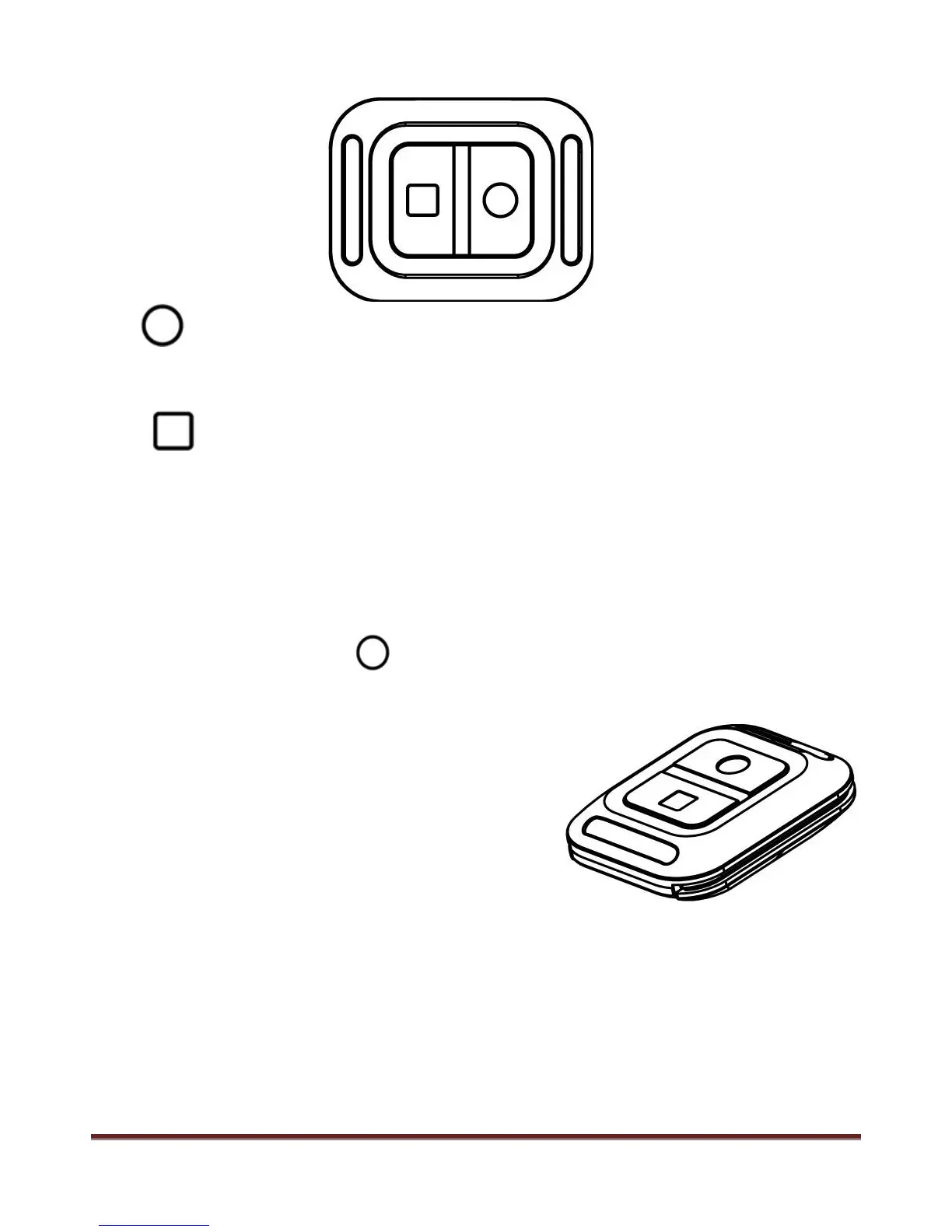
Remote controller
Start video record
Remote to start video record only under Camera Powered ON, not valid if camera is OFF.
Stop video record
Remote to power OFF directly or stop video record and then power OFF.
Remote Pair with Camera
Hold the “<” button under power OFF state ( don’t loose it ), then press POWER button to turn ON the
camera, then immediately press the button on the remote controller, after the camera turned ON,
then loose the “<” button.
Note:
-Screen will keep dark during the pair process
-Camera will power ON automatically if paired successfully
-Camera will power OFF automatically if pairing failed
This operation only necessary when you bought new remote controller, pairing process has been did before
leave factory.
www.21pro.co.uk
www.21itc.com/ProdDocs/1010369manualeng.pdf



 To Next Page