10
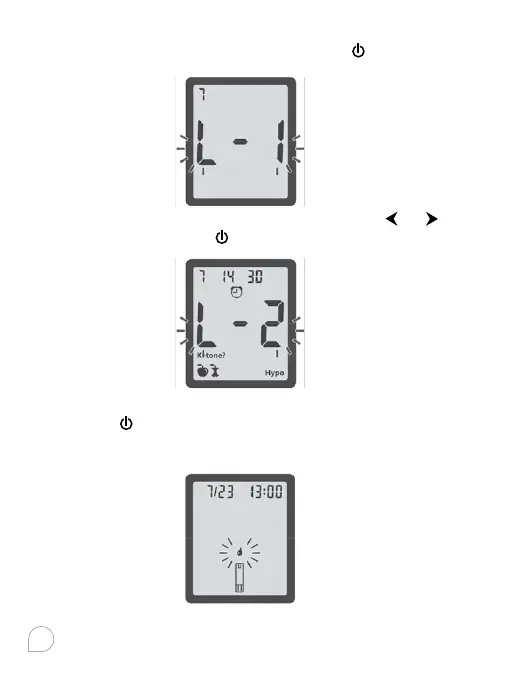
After set the date you have finished basic mode set, “L-1” will
flash. To keep your meter in Basic Mode, press
to set.
To change your meter to Advanced Mode, press
or to
change to “L-2”, and press
to set.
If you are using Basic Mode, you have completed your meter
set up. Press
to turn o the meter. You can also insert a test
strip into the meter, a symbol of a test strip with a flashing
blood will appear letting you know the meter is ready to test.



 To Next Page