7
Before you first time using your meter or if you change your
meter batteries, you should check and update your meter
settings.
Set the Time and Date
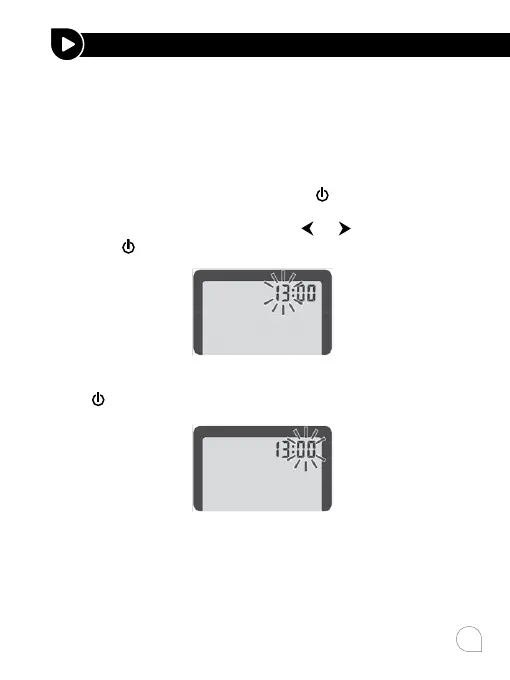
1. Enter the setting mode and set the time
When the meter is o, press and hold
until the meter beeps
to enter the set up mode with the number in the hour position
will now flash on the display. Press
or to select the hour
and press
to set.
The minute will now flash. Press or to select the minute and
press
to set.
Note:
Before you first time use your meter system for testing, please
adjust the meter settings to set the date and time, ensuring
that results stored in the memory are shown with the correct
date and time.
SETTING UP YOUR SYSTEM



 To Next Page