3
Your Meter System Overview
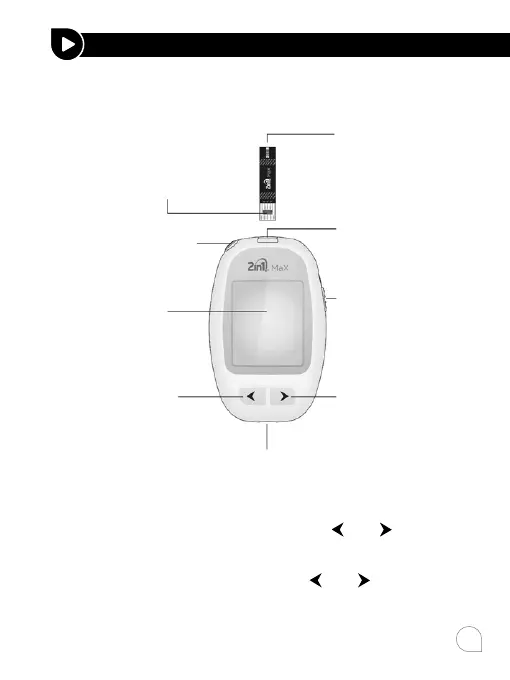
The 2in1. MaX Blood Glucose Meter and Strip
Your Meter Display
The picture below shows all the symbols that appear on your
meter display. To make sure the display is working properly,
with the meter o, then press and hold
and together for
3 seconds to see the complete display. All display segments
will appear for 10 seconds. If you need more than 10 seconds
to check the display, press and hold
and together again.
All of the segments should be clear and exactly like the picture
below. If not, contact your local dealer for help.
UNDERSTANDING YOUR TESTING TOOLS
Sample tip:
where the
blood is drawn
Electrode end:
this end is inserted into
the test strip port on the
meter with facing up
Test strip port
Micro USB data port
Strip ejector
Display
Forward
button
Backward
button
Power button



 To Next Page