36
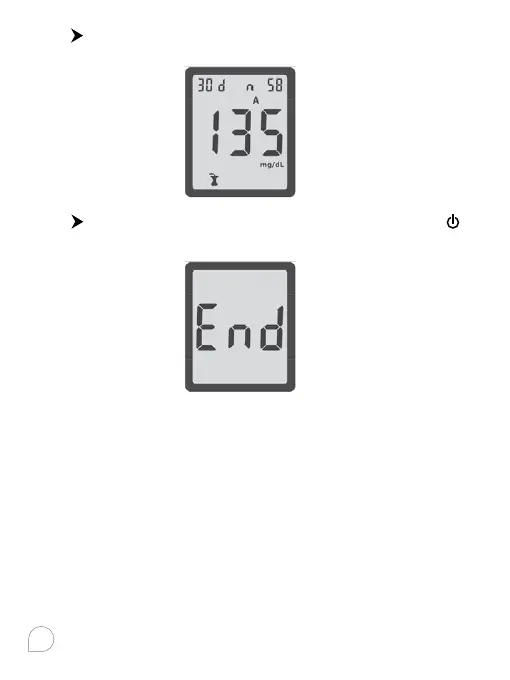
Press again to view the 30 day average of results marked
with a post-meal marker.
Press
again and you will see END on the display. Press
to turn o the meter or it will automatically turns o after 2
minutes.
Transferring Results to a Computer
You can transfer stored test results from 2in1. MaX meter to a
computer to track, identify patterns and print.
Transferring data directly to a computer require using
specialized software and cable from 2in1. MaX Laboratories,
Inc.. Contact your local dealer for purchasing.
Notes:
• To make the most of the data transfer feature, you must set
the time and date in the meter correctly.
• Any external equipment (e.g. PC) connected to the apparatus
by data port (Mini USB port) should be approved separately.



 To Next Page