14
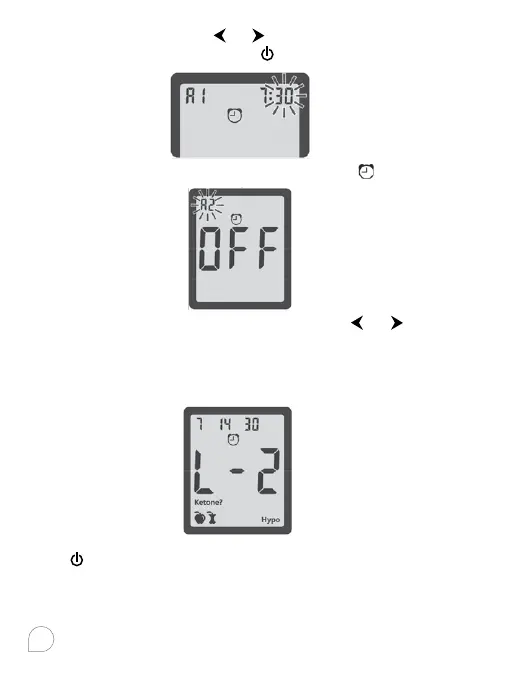
The minute flashes, press or to select 00, 15, 30, or 45.
These are the only choices. Press
to set minutes.
The next alarm “A2” flashes on the display with
and “OFF”.
You can either set a second alarm by press
or to turn
on the second alarm. Do the same procedures to set the rest
alarms, you have now completed your 2in1. MaX meter set up
for Advanced Mode. The meter shows L-2 along with advanced
function icons.
Press
to turn o the meter. You can also insert a test strip
into the meter, the test strip symbol with flashing blood drop
appears on the display, and you are ready to test.



 To Next Page