33
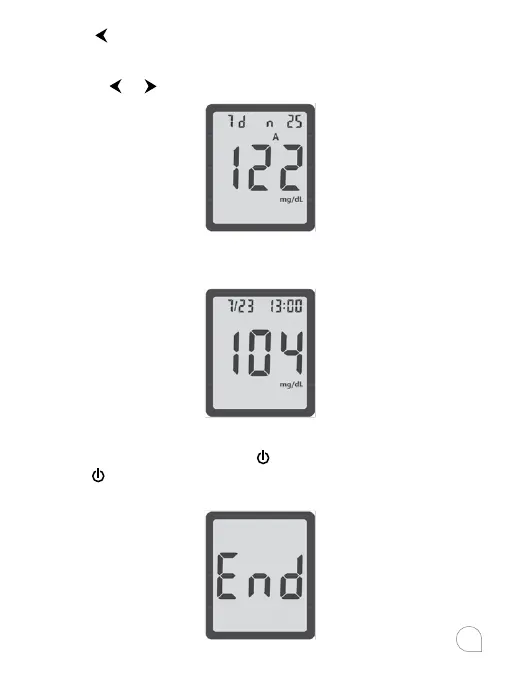
Press to review previous results in order. Results will be
shown starting with the most recent. Each result will show the
date and time the test was taken. You can press or to scroll
forward
or backward through the results.
When END appears on the display, you have viewed all of the
results in the memory.
Viewing Advanced Mode (L-2) Results
When your meter is o, press
to turns meter on with a beep,
press
again to view the 7 day average including the number
of results used to obtain the average.



 To Next Page